

Best Minecraft Servers in 2026: Find a Server and Squad That Fit
The best server is not simply the one with the most votes. Learn how to compare servers by platform, mode, activity, safety, region, and community fit, then use COYA to meet compatible players.

The best server is not simply the one with the most votes. Learn how to compare servers by platform, mode, activity, safety, region, and community fit, then use COYA to meet compatible players.
At COYA, we believe choosing between Minecraft Servers is only half the job. The other half is finding people who want the same kind of world, pace, and social experience as you. A technically excellent server can still feel empty when your squad never logs in, rushes every build, or prefers PvP while you want a relaxed Survival run. This guide will help you evaluate servers, avoid misleading rankings, connect safely, and meet compatible players who are ready to play.
What Makes the Best Minecraft Servers in 2026?
The best Minecraft Servers combine reliable performance with active communities, clear rules, useful moderation, and a game mode that fits your goals. For a global player base, hosting region matters too. A server located near your region will usually offer lower latency, although routing and your home connection also affect ping. Look for stable uptime, consistent tick performance, sensible reset schedules, and enough players to keep the world active without making every queue or resource area overcrowded.
Why the biggest server is not always the best server for you
Popularity brings frequent events, busy queues, and a larger pool of players. It does not guarantee an age-compatible community, welcoming chat, balanced economy, or teammates at your skill level. A smaller SMP with 40 recurring players may create stronger cooperation than a network with thousands of strangers. COYA applies the same player-first logic: compatibility by game, platform, rank, age, and playstyle matters more than joining the loudest room.
A quick checklist for choosing your ideal server
- Edition and platform: confirm Java, Bedrock, or verified cross-play support.
- Version and setup: check the required game version, mods, resource packs, and launcher requirements.
- Region and connection: review hosting location, expected ping, server IP address, and Bedrock port.
- Mode and pace: choose Survival, SMP, Skyblock, PvP, Creative, roleplay, or another clear format.
- Activity: compare current players, peak hours, recurring events, queues, and recent updates.
- Community: read rules, moderation policies, reset schedules, age expectations, and newcomer guidance.
- Squad fit: decide whether you need builders, fighters, grinders, explorers, or relaxed social players.
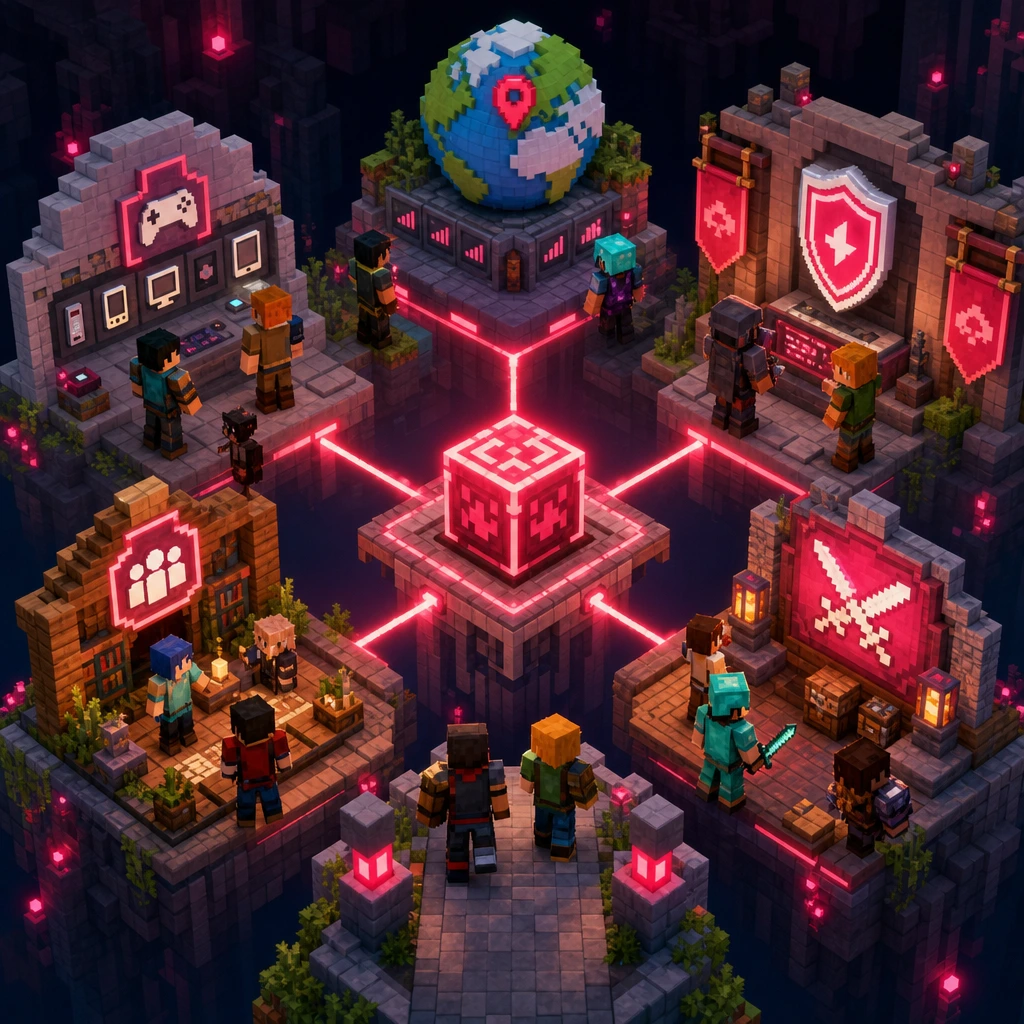
How to Read Minecraft Server Lists Without Getting Misled
Server directories are useful discovery tools, but their order is not necessarily an editorial verdict. Minecraft Servers may rank through player votes, paid visibility, listing age, engagement, or a mixture of signals. Some communities offer in-game rewards for voting, which can increase totals without proving that newcomers will have a good experience. Treat the ranking as a starting point and look for clearly identified sponsored placements.
Verify player counts and real community activity
A live count is one snapshot. Check it at the hours when you normally play, especially if the server has a global audience. Compare weekday and weekend activity, recent event schedules, update notes, chat responsiveness, and whether the same people return. Meaningful activity means you can find a team, enter the intended mode, and participate without waiting through an empty queue. COYA adds another useful signal by helping you find gamers who are available and compatible, not merely showing how many accounts are connected.
Connection details worth checking before you join
Before copying an address, confirm the supported edition, version, IP, and port. Check whether the community uses an allowlist, required modpack, custom resource pack, account registration step, or cross-play bridge. Geographic hosting can influence latency, while mandatory downloads affect setup time and device performance. Reliable Minecraft Servers explain these requirements before you connect rather than leaving players to troubleshoot after assembling a squad.
Read signals, not just rankings
Votes and player totals can help with discovery, but recent activity, transparent rules, technical compatibility, and the people you will actually meet are stronger indicators of fit.
Best Minecraft Server Types for Every Playstyle
Different Minecraft Servers reward different personalities. Choosing by mode helps, but you should also consider session length, competition, progression speed, and the type of teammates the mode requires.
SMP and Survival for builders, explorers, and long-term squads
SMP and Survival worlds suit players who enjoy gathering resources, exploring biomes, building bases, and developing shared projects over weeks or months. Check whether the server includes land claims, grief prevention, player economies, teleportation, or seasonal resets. A dependable COYA group makes the experience stronger because one player can mine, another can handle redstone, and another can turn the starter hut into something that does not look like a dirt cube.
Skyblock, Prison, and Factions for progression-focused players
Skyblock and Prison modes revolve around repeatable progression, upgrades, resource optimization, and economy systems. Factions adds territory, alliances, raiding, and higher social stakes. These Minecraft Servers fit players who enjoy a grind and measurable goals, but expectations should be clear. Ask whether teammates want efficient progression, casual sessions, or competitive dominance before investing hours into a shared island or faction.
PvP and minigames for competitive or drop-in sessions
PvP and minigame communities work well for shorter sessions, quick queues, and players who enjoy mechanical improvement. Review matchmaking, rank systems, team sizes, anti-cheat enforcement, queue times, and regional latency. Communication becomes especially important in objective modes. COYA can match players by rank and playstyle, helping a focused competitive player avoid a squad that treats every round like sightseeing.
Vanilla, modded, Creative, and roleplay communities
Vanilla offers the lowest setup barrier and keeps mechanics close to the base game. Modded communities introduce new technology, magic, dimensions, or progression, but may require stronger hardware and exact mod versions. Creative Minecraft Servers prioritize building, while roleplay worlds rely on character rules, lore, and consistent participation. When looking for teammates on COYA, state the experience clearly so your new squad arrives ready for the same world.
Java, Bedrock, or Cross-Play: Which Server Experience Fits You?
Edition compatibility is the first technical filter. A great community cannot help if half the squad cannot connect.
Java Edition servers
Java Edition primarily serves computer players and supports extensive plugins, custom modes, version choices, and modded setups. Joining usually requires a server address and the correct game version. If mods are required, every COYA teammate should confirm the exact pack and release before launch. Even a small mismatch can produce rejected connections or missing-content errors.
Bedrock servers
Bedrock Edition supports Windows devices, mobile devices, and consoles, making it practical for mixed-device groups. Listings may require both an address and port. Adding external Minecraft Servers is straightforward on supported devices, but consoles can have restrictions depending on the current platform environment. Check the joining method before inviting your full squad.
Can Java and Bedrock players join the same server?
The editions use different networking and are not natively interchangeable. Some communities operate bridge technology that allows cross-play, but features and mechanics may behave differently. Confirm support on the server's current information page before a COYA group connects. Do not assume that a cross-play label covers every version, device, or gameplay feature.

How to Find Minecraft Servers With Active Players
Start with region, normal play hours, language, edition, and game version. These filters narrow thousands of Minecraft Servers into communities you can actually use. A server peaking at 8:00 p.m. in another time zone may appear popular but feel abandoned during your sessions. Regional hosting can also reduce ping, which matters most for PvP, fast minigames, and technical builds sensitive to lag.
Look beyond the live player count
Check whether events repeat, updates are recent, moderators answer questions, and newcomers can join meaningful activities. A high count means little if established groups control every resource or new players wait too long for a match. Strong Minecraft Servers create routes for new members through starter areas, balanced economies, public projects, team-finding channels, or scheduled events.
Use COYA to find players who match your Minecraft vibe
COYA is built for the human side of discovery. It matches you with compatible gamers based on your games, platforms, rank, age, and playstyle, then puts you together in a live room so you can start playing immediately. Instead of posting a generic request and hoping someone suitable replies, you can meet builders, PvP players, explorers, modded grinders, or casual Survival fans who fit your preferences.
This is why Find Teammates Who Actually Fit Your Playstyle is more than a slogan. When exploring Minecraft Servers, the right people determine whether a seed becomes a long-term world or another abandoned save. COYA helps global players bridge that gap between finding a promising server and having a squad ready to enter it.
Are Public Minecraft Servers Safe?
Public multiplayer always requires judgment. No community label or moderation system can guarantee safety, but visible policies and responsible habits reduce risk. Before joining, read the rules and look for active reporting, clear consequences for harassment, anti-cheat measures, chat controls, land claims, and rollback options. Well-managed Minecraft Servers explain how griefing and abusive behavior are handled.
Privacy and account safety
Never share passwords, login codes, home addresses, private documents, or payment information with players or server staff. Be cautious with unofficial launchers, shortened links, unknown downloads, and mod files from unverified sources. A server should not need your account credentials. Use unique passwords where applicable, keep authentication protections enabled, and leave if someone pressures you to reveal personal details.
How younger players and families can assess a community
Child-friendly wording is not proof of active supervision. Families should review chat access, purchase systems, age expectations, public messaging, reporting routes, and moderation coverage. Younger players may benefit from supervised play and restricted communication settings. COYA's compatibility approach includes age as a matching factor, helping players seek more appropriate social groups, but personal boundaries and platform safety settings still matter.
How to Join a Minecraft Server on Java or Bedrock
Joining a server on Java Edition
- Confirm the supported game version and install any required mods or resource packs.
- Launch the game, select Multiplayer, and choose Add Server.
- Enter a recognizable server name and paste the exact IP address or domain.
- Save the entry, select it from the list, and connect.
- Complete any registration, rules confirmation, or allowlist process requested by the community.
If the server requires an allowlist, approval must usually happen before your first connection. Share the confirmed version and setup with your COYA room so every teammate follows the same steps.
Joining a server on Bedrock Edition
- Confirm that the listing supports Bedrock and note both the server address and port.
- Open Play, move to the Servers tab, and select Add Server where that option is supported.
- Enter the server name, address, and port exactly as provided.
- Save the details and connect while signed into the required game account.
- For consoles with external-server restrictions, review the current device-specific connection options.
Fixing common connection errors
A version mismatch means your client and server release differ. A timed-out connection can result from downtime, high latency, routing trouble, firewall rules, or an overloaded server. An unknown-host message often points to a mistyped address or unresolved domain. Full-server errors require waiting, while allowlist rejection needs administrator approval. Modded זה may reject players when files, loaders, or mod versions do not match.
Restart the game, recheck the address and port, confirm server status, and test your connection. Avoid weakening device security without understanding the change. If several teammates fail in the same way, the issue is probably shared setup or server-side availability. Compare details in your COYA live room before everyone repeatedly queues with the wrong version.
How COYA Turns a Good Server Into a Better Multiplayer Experience
Even well-run זה depend on the people inside them. COYA helps players move beyond random matchmaking by considering the characteristics that shape a real session: game, platform, rank, age, and playstyle. A relaxed builder can look for patient collaborators, a competitive player can meet similarly ranked teammates, and a modded expert can connect with people willing to learn the same systems.
Move from matching to a live room and start playing
Once compatible gamers match, COYA places them in a live room together. That removes the awkward gap between posting that you need players and waiting for replies that may never come. You can agree on an edition, check the IP, choose roles, and enter the world while everyone is available. Whether the plan is beating a boss, building a biome-sized city, climbing a PvP rank, or surviving the first night, the route from match to game stays simple.
Choose Your Server, Find Your People, and Start Playing
The right choice combines technical compatibility, a suitable mode, reliable activity, reasonable latency, transparent moderation, and a community that fits your pace. Compare זה carefully, but do not stop at the server IP. The squad beside you will shape every build, fight, queue, and late-night mining run. COYA brings that community layer into the process by helping you meet gamers who match your platform, experience, age, and vibe. Your next world deserves players who actually want to build it with you.
Your next squad is waiting
Join COYA and start playing together: https://www.coya.gg/