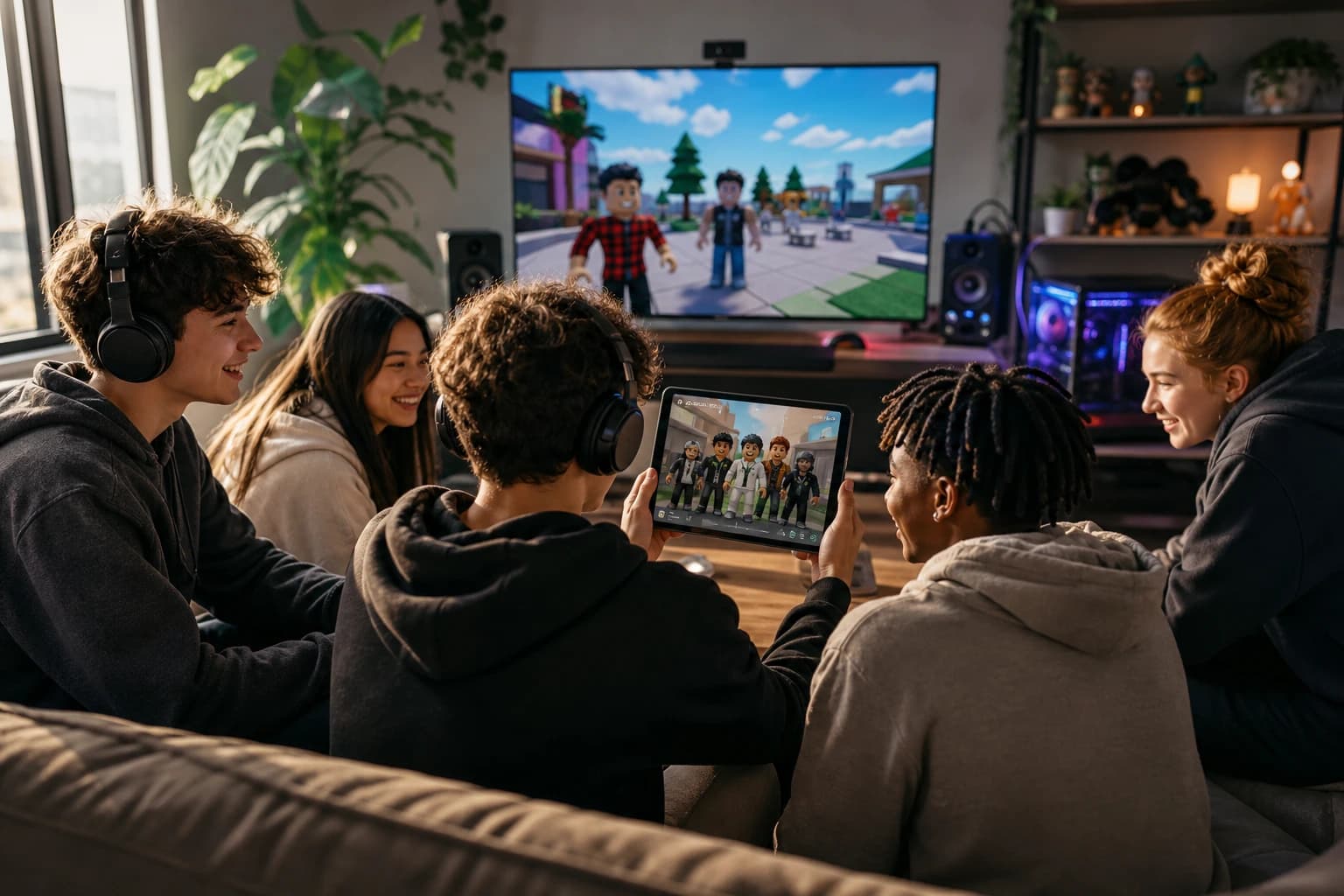

Roblox Rivals LFG in 2026: Find Teammates Who Match Your Skill, Schedule, and Vibe
The quickest Roblox RIVALS LFG method is to post a specific request, screen replies for platform, region, skill level, and playstyle, then test the fit in a few matches before forming a regular squad. COYA solves this by matching you with compatible players instead of leaving you to gamble on random replies.
The quickest Roblox RIVALS LFG method is to post a specific request, screen replies for platform, region, skill level, and playstyle, then test the fit in a few matches before forming a regular squad. COYA is built for this exact problem, matching you with compatible players instead of leaving you to gamble on random replies.
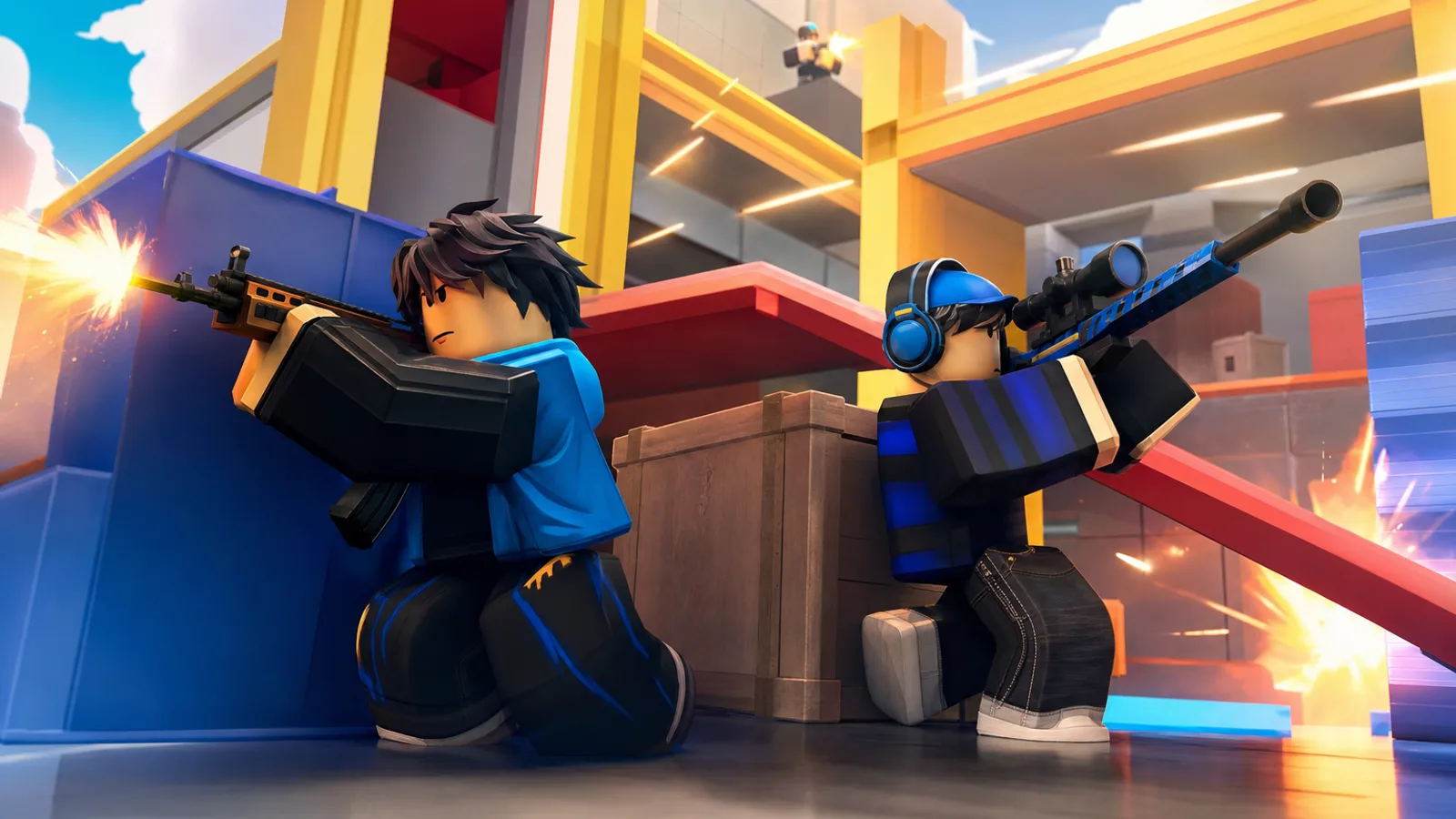
RIVALS is a competitive shooter created by Nosniy Games on the Roblox platform. Duels range from 1v1 to 5v5, and the first team to win five rounds takes the match, so finding even one reliable player can change the whole session.
Roblox Rivals LFG: The Quickest Way to Find Teammates
What LFG means in Roblox RIVALS
LFG means “looking for group.” In RIVALS, that could mean finding a practice partner, a dependable duo, or enough players to fill a five-person team. The goal is not collecting random usernames. It is finding people who communicate, match your pace, and do not flame after one rough round.
Public LFG channels can work, but replies are often vague. “Need good players” tells nobody what you need or whether they will enjoy playing with you. Our broader Roblox LFG guide covers safe teammate searches across other Roblox experiences too.
Decide if you need a duo, full team, practice partner, or ranked squad
Pick one goal before posting. Ask for a practice partner if you want low-pressure reps, a duo if you value consistent chemistry, a full team for coordinated matches, or a ranked squad when everyone is ready for a more competitive session. Clear expectations prevent the classic mismatch where one player wants to grind and another wants to chill.
The five details to share before you queue
- Your goal and preferred team size
- Your platform: desktop, mobile, tablet, Xbox, or PlayStation 5
- Your general region and usual play window, not your address or exact location
- Your rank or honest skill level, without demanding carries
- Your playstyle and comms preference, such as chill practice or focused ranked games
Keep personal details out of public posts. You do not need to share your full name, school, birthday, phone number, or private social accounts to find a solid teammate.
Want to skip vague LFG posts? Create your free COYA Gamer Card in about three minutes, match by games, platform, rank, age, region, and playstyle, then meet your matches in a live room with voice, video, screen share, and chat.
Where to Find Roblox RIVALS Players in 2026
A good Roblox RIVALS LFG post should find you more than another name for the queue. You need teammates who want the same team size, communicate without flaming, and stick around long enough to build chemistry across RIVALS matches, from 1v1 duels to full 5v5 fights.
In-game connections and Roblox communities
When a random teammate communicates well or stays calm after a rough round, ask if they want another match. It is the quickest low-pressure test because you have already seen how they play. You can also use Roblox community posts, but state your preferred team size, platform, region, and vibe instead of posting only “need teammates.” Our Roblox LFG guide covers safer ways to make that first connection.
Discord LFG channels
The “Rivals Roblox | LFG & Helping Server” offers squad, clan, and LFG channels, but it is fan-made, not an official Nosniy Games service. The verified Nosniy Games server is the authoritative Discord destination for developer updates, codes, and official previews. In either place, keep personal details private and screen replies before joining voice chat.
Reddit, forums, and community posts
These work better for planning than instant games. Include when you normally play, your platform, preferred squad size, and whether you are practicing or playing seriously. Never share your real name, school, exact location, phone number, or private social accounts. Start with text chat, then leave immediately if someone pressures you for personal information or starts flaming.
Compatibility-based teammate matching
COYA cuts out the repeated posting. Your Gamer Card records games, platforms, rank, age range, region, and playstyle, then compatibility matching surfaces players who fit. Once matched, you can enter a live room with chat, voice, video, and screen sharing, test the vibe, and add reliable players to your squad.
Which option works best when you want to play now?
- Use in-game connections when you just met someone solid.
- Use Discord when you can actively screen fast-moving LFG posts.
- Use forums and community posts when scheduling for later.
- Use compatibility matching when playstyle and long-term chemistry matter.
Join COYA free in about 3 minutes to find RIVALS teammates who fit before the next queue pops.
How to Write a Roblox Rivals LFG Post That Gets Replies
A useful Roblox RIVALS LFG post answers the questions players normally have to drag out of you. State when you play, what kind of matches you want, and how you treat teammates. That gets better replies than dropping “need good duo” into a busy channel and hoping for chemistry.
A copy-and-paste LFG post template
RIVALS LFG template
Region: [general region]
Availability: [days, time, and time zone]
Platform: [desktop, mobile, tablet, Xbox, or PS5]
Skill: [honest experience or confidence level]
Team size: [1v1 practice, duo, trio, or up to 5v5]
Comms: [voice, text, or either]
Goal: [Ranked, casual matches, practice, or a regular squad]
Vibe: [chill, focused, beginner-friendly, no flaming]
Looking for: [the teammate habits you value]
What your post should include
- Region and availability: Give a broad region and time zone, not your city, school, or exact location.
- Skill: Describe what you can handle without rank-shaming yourself or pretending you never whiff.
- Platform: Controls and communication options can affect how a squad plays.
- Comms: Say whether you want voice chat, text chat, or quiet teammates who still ping and coordinate.
- Goals: Separate a serious Ranked session from casual games or aim practice.
- Playstyle: Mention if you prefer patient setups, coordinated pushes, or learning through practice.
Example posts for different sessions
Ranked: “US East, desktop, 8 to 10 PM ET. Looking for a consistent duo with calm voice comms. Focused games, no flaming after a lost round.”
Casual: “EU, Xbox, Saturday afternoon. Looking for chill 3v3 or 5v5 matches. Any skill level is fine if you communicate and stay friendly.”
Practice: “Mobile player looking for 1v1 practice this week. Text comms preferred. I want constructive feedback and repeat sessions, not trash talk.”
Why vague posts get ignored
“Anyone play?” makes every reader do extra work, and it gives them no reason to expect a good fit. Specific posts also make screening safer because you can discuss schedules, comms, and playstyle without sharing personal information.
COYA handles those compatibility details through Gamer Cards, then gives matched players a live room for chat, voice, video, and screen sharing. Create your free COYA account in about three minutes to find RIVALS teammates by platform, region, goals, and vibe instead of settling for randoms.
How to Pick a Duo or Team You Will Actually Enjoy
A good Roblox RIVALS LFG match is not simply the strongest player who replies first. You need someone whose goals, availability, and attitude fit yours. That matters in every format, from learning together in 1v1s to building a coordinated 5v5 team.
Match goals before comparing rank
Start by asking what they want from the session. Are they warming up, practicing specific situations, playing seriously, or just looking for chill matches? A cracked player who expects perfection can be a miserable fit if you are learning, while two patient players can improve quickly without turning every lost round into blame.
Check the practical stuff
Confirm schedule, region, platform, and communication style before adding anyone to a regular squad. RIVALS supports desktop, mobile, tablet, Xbox, and PlayStation 5, so input preferences and access to voice or text chat should be clear upfront. Share only what the match requires. Nobody needs your real name, school, exact location, phone number, or personal social accounts.
Listen for useful comms, not volume
Useful teammates give short information, admit mistakes, and reset for the next round. They do not scream over comms, mock your platform, or flame after one missed shot. If someone spends the first match blaming every loss on teammates, believe the warning.
Run a trial session
Play a few matches before promising a regular schedule or joining a long-term squad. Watch how they handle a close loss, a miscommunication, and downtime between games. Chemistry shows up fastest when a round goes badly.
Red flags that usually lead to tilt or ghosting
Avoid players who demand personal information, refuse to state their goals, rage after one loss, constantly change the agreed schedule, or pressure you to move into private spaces immediately. Blocking and leaving is always better than trying to fix a stranger's behavior.
COYA helps you screen for shared games, platform, region, age, rank, and playstyle before you queue, then gives matched players a live room with voice, video, screen share, and chat. If you want a safer system than waiting in random channels, join COYA free in 3 minutes and find RIVALS teammates who actually fit.
How COYA Matches You With Better Roblox RIVALS Teammates
A Roblox RIVALS LFG post can tell you who is available. It rarely tells you whether that player communicates, stays calm after a lost round, or wants the same kind of session. COYA starts with compatibility, helping you find teammates who fit before you queue into a 2v2, 3v3, or full 5v5.
Build a Gamer Card around how you actually play
Your Gamer Card covers your games, platform, skill level or rank, age, region, and playstyle. For RIVALS, that could mean stating that you play on Xbox, prefer coordinated comms, and want patient teammates for a serious session. You give potential squadmates useful gaming context without dropping your real name, school, address, or other personal information into a public LFG channel.
Use compatibility instead of refreshing LFG posts
COYA scores potential matches using shared games, platforms, region, age, and genre interests. That gives you more signal than “need three, join fast.” You can focus on players who already line up with your setup and vibe, then use the broader Roblox LFG guide if you want extra screening and safety tips.
Talk before you commit to a full session
Matched players enter a live room with voice, video, screen share, and chat. Start with text or voice, compare goals, and check the vibe before playing. Video is optional, and you never need to reveal personal details to prove you belong in the squad.
Quick teammate check
Ask what team size they want, which platform they use, whether they prefer chill or sweaty games, and how they handle mistakes. If someone rank-shames, pressures you for personal information, or flames immediately, leave.
Save the teammates who earn a second invite
When someone communicates, keeps their cool, and stays through rough rounds, add them to your COYA squad. Your next session starts with a reliable duo or roster instead of another search through unanswered posts. You can also meet more players through the Roblox community on COYA.
Compatibility is the real carry. Create your free COYA Gamer Card in about three minutes and stop playing RIVALS with randoms who never fit your playstyle.
Stay Safe While Using Roblox Rivals LFG
A safe Roblox RIVALS LFG process starts before you join the lobby. On COYA, Discord, or any other community, screen potential teammates without giving strangers enough personal information to identify or contact you elsewhere.
Protect your account and personal information
Share what matters for the match: platform, region, preferred team size, experience, and playstyle. Nobody needs your password, real name, school, home address, phone number, exact location, or account recovery details.
- Use a unique password and keep login codes private.
- Inspect links before opening them, even when they come from a teammate.
- Never pay someone to join their squad or prove your skill.
- Leave immediately if someone pressures you for personal information.
Use age-appropriate communication options
Stick to communication options that fit your age, comfort level, and household rules. Keep early conversations in the LFG service you chose rather than handing out personal social accounts. Younger players should involve a parent or guardian when joining outside communities. Our broader Roblox LFG safety guide covers more ways to screen groups.
Block and report harassment, scams, or suspicious links
You do not owe a toxic player another round. Block and report people who threaten you, target you with slurs, push scams, request account access, or repeatedly ignore your boundaries. Save relevant messages when the platform allows it, then use its reporting tools. Do not argue until the situation gets worse.
Set expectations without rank-shaming newer players
Be specific without being a jerk. Try “learning maps, patient comms, no flaming” or “experienced 5v5 squad, focused games” instead of mocking newer players. Agree on team size, mic expectations, session length, and how seriously you want to play. A teammate who stays calm after a lost round is usually more useful than someone who tilts and blames the whole squad.
COYA matches players using shared games, platforms, region, age, genres, and playstyle, then gives the group a live room with voice, video, screen sharing, and chat. Compatibility helps you filter, but it never replaces basic caution. Create your free COYA Gamer Card in about 3 minutes and look for teammates who fit your vibe without oversharing.
Conclusion: Stop Queueing With Randoms and Build Your RIVALS Squad
A useful Roblox RIVALS LFG system is not about joining the biggest server and hoping somebody answers. It is about finding players whose platform, region, availability, communication style, and goals line up with yours, then testing that fit without handing strangers personal information.
Choose teammates for compatibility, not rank alone
Skill matters in a competitive shooter, but rank cannot tell you who stays calm after a lost round, gives clear comms, or accepts feedback without flaming. A slightly less experienced teammate who communicates and learns with you can be far more valuable than a cracked player who tilts after one mistake.
Keep your first LFG post focused. Share your platform, general region, preferred team size, schedule, experience level, and whether you want a chill session or serious practice. Do not post your real name, school, exact location, phone number, or other identifying details. For more ways to screen players safely, check the Roblox LFG guide.
Turn one good session into a reliable duo or team
Treat the first few matches as a vibe check. RIVALS supports everything from 1v1 to 5v5, so you can start with one potential duo instead of forcing an instant five-stack. Pay attention to how they react when the other team reaches four rounds, when a plan fails, or when somebody misses an easy shot. Those moments reveal more than a highlight clip.
If the session feels good, make the next step specific. Agree on another time, add each other to a small roster, and note what worked. After a few solid sessions, bring in one new player at a time. That is how a random invite becomes a dependable squad instead of another dead group chat.
COYA makes this process easier by matching you through shared games, platforms, region, age range, and playstyle, then placing compatible players in a live room with voice, video, screen share, and chat. You can also stay connected through squads and the Roblox community on COYA.
You do not need perfect teammates on day one. You need respectful players who communicate, show up, and want the same kind of session you do. Find one, run it back, and build from there. Compatibility is the real carry.
Your next squad is waiting
Join COYA and start playing together: https://www.coya.gg/