
Fortnite sensitivity Guide 2026: Find Your Best Settings for Aim, Builds, and Edits
The best Fortnite sensitivity is not a pro player number you copy and hope it works. Learn how to tune mouse, controller, DPI, eDPI, ADS, builds, edits, deadzone, and real fight consistency.
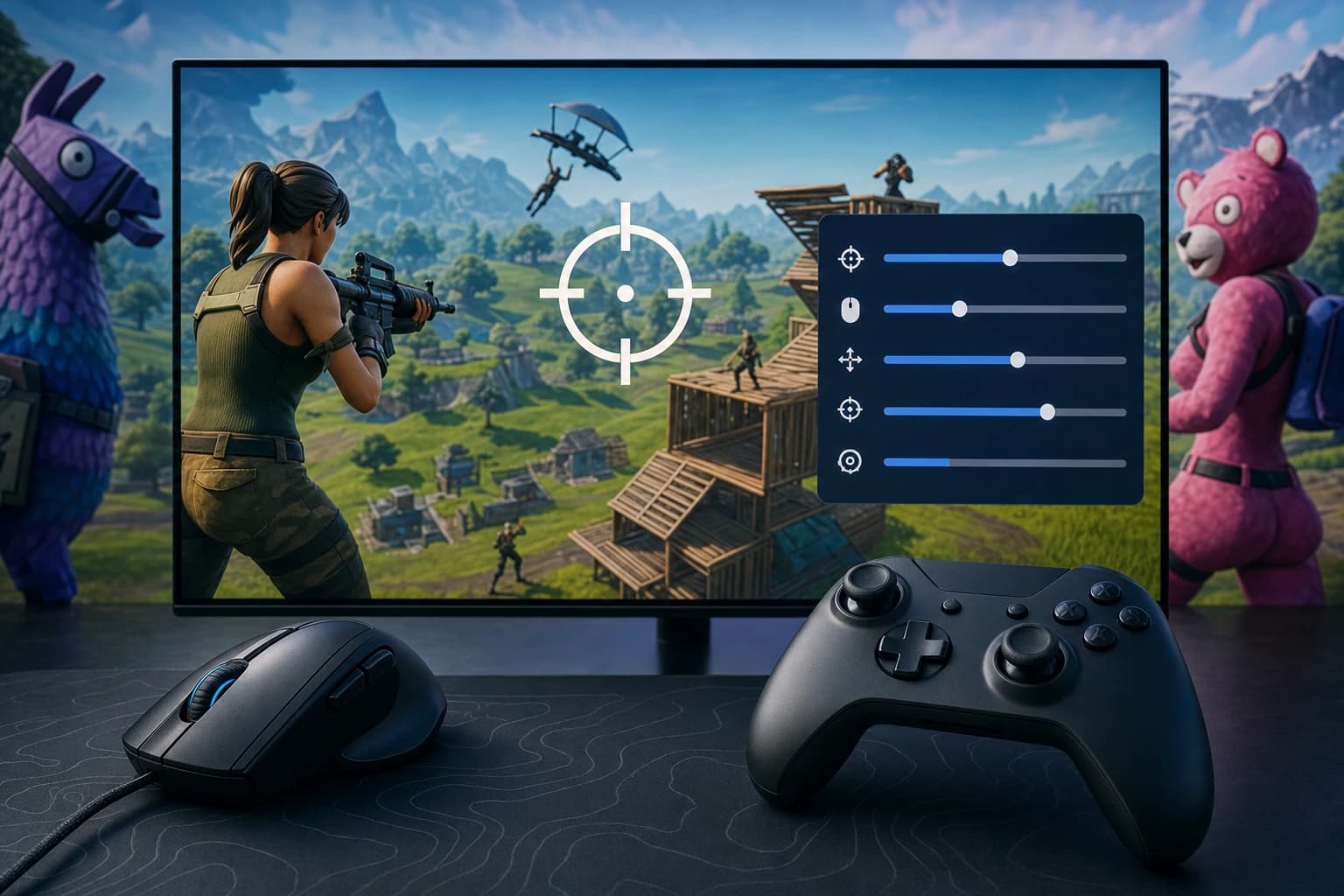
The best Fortnite sensitivity is not a pro player number you copy and hope it works. Learn how to tune mouse, controller, DPI, eDPI, ADS, builds, edits, deadzone, and real fight consistency.
Fortnite sensitivity controls more than how fast your camera turns. It affects shotgun flicks, AR tracking, box fight reactions, build placement, edit resets, piece control, and how calm your crosshair feels when a player jumps into your box. In 2026, with Fortnite still changing through seasons, movement updates, weapon pools, and input options, the best setup is the one you can repeat under pressure.
Copying a pro player can be useful as a benchmark, but it is not a full answer. Your mousepad space, controller stick condition, platform, FPS, monitor size, hand movement, rank, and playstyle all matter. This guide gives practical starting ranges, explains the terms, and shows a testing routine so your Fortnite sensitivity fits your actual fights, not someone else’s highlight reel.
What Fortnite sensitivity actually controls in 2026
Your Fortnite sensitivity is the relationship between your physical movement and your in-game camera. On mouse, it is shaped by DPI and in-game percentage. On controller, it comes from look speed, ADS values, response curve, deadzone, and multipliers. If it is too high, your aim may feel fast but shaky. If it is too low, you may track well at range but struggle to turn, build, or defend against close-range pressure.
Quick answer: the best Fortnite sensitivity range for most players
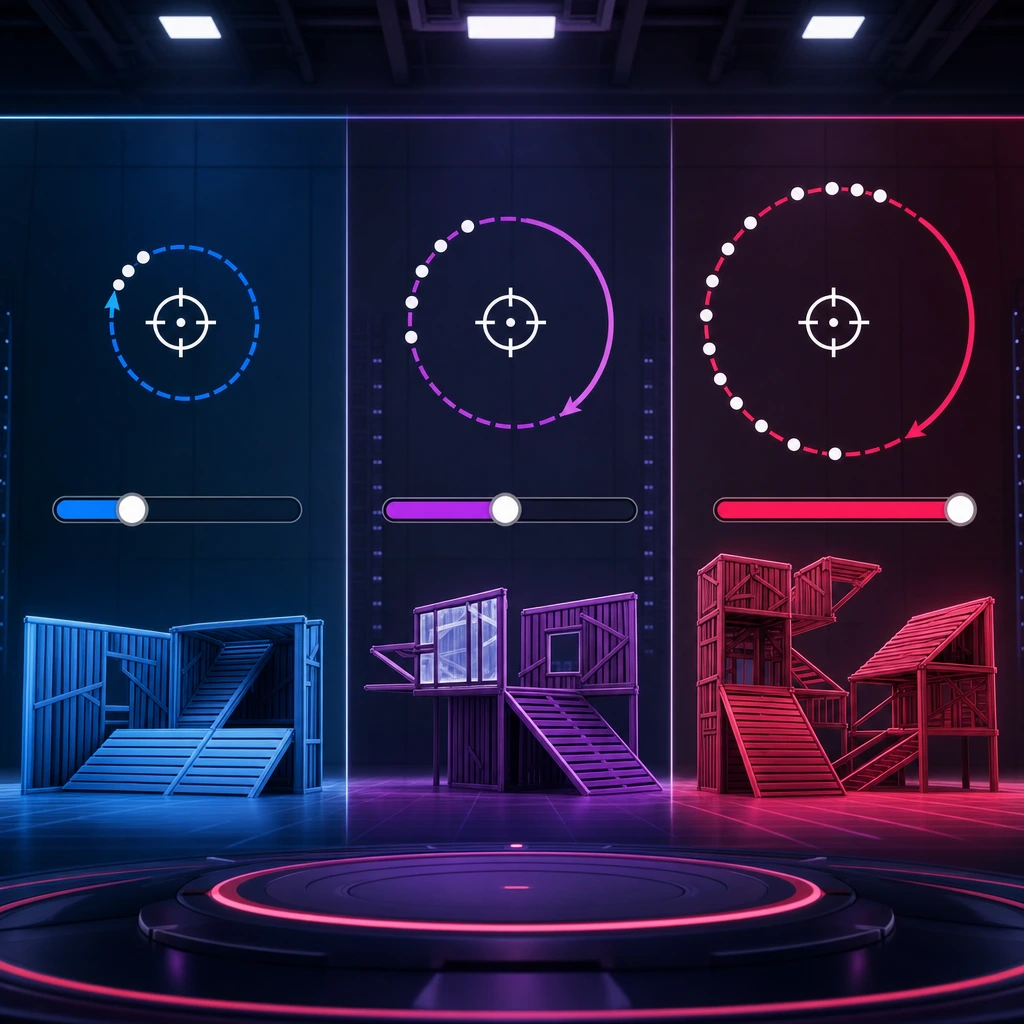
For mouse players, many solid starting points land around 40 to 80 eDPI. Low sensitivity is often around 35 to 50 eDPI, medium around 50 to 75 eDPI, and high around 75 to 110 eDPI. These are not hard rules, but they help you avoid extremes. For controller, a safe starting point is often 35% to 50% horizontal and vertical look sensitivity, with ADS lower, usually around 8% to 16% depending on comfort and aim assist feel.
- Low mouse sensitivity: best for controlled tracking, AR beams, and players with large mousepads.
- Medium mouse sensitivity: best for balanced aim, builds, edits, and common competitive playstyles.
- High mouse sensitivity: best for fast turns and mechanics, but only if your crosshair stays stable.
- Lower controller look sensitivity: easier to control, but may feel slow in box fights.
- Higher controller look sensitivity: faster camera movement, but can cause over-rotations.
Why pro player settings are a starting point, not the final answer
Pro settings databases are useful because they reveal patterns. Many top mouse players use moderate eDPI values, while many controller players keep ADS more controlled than look speed. Still, pro settings are built around pro habits. A player with years of aim training, a giant desk, 240 FPS, and scrim experience is not testing the same conditions as someone on console in Ranked with a smaller screen and a worn thumbstick.
Use pro settings to find the neighborhood. Use testing to find your address.
— COYA gaming guide
The core Fortnite sensitivity terms you need to know
Before you change numbers, understand what each setting changes. Most bad Fortnite sensitivity decisions happen because players adjust five settings at once without knowing which one caused the improvement or the problem.
Mouse DPI, in-game sensitivity, and eDPI
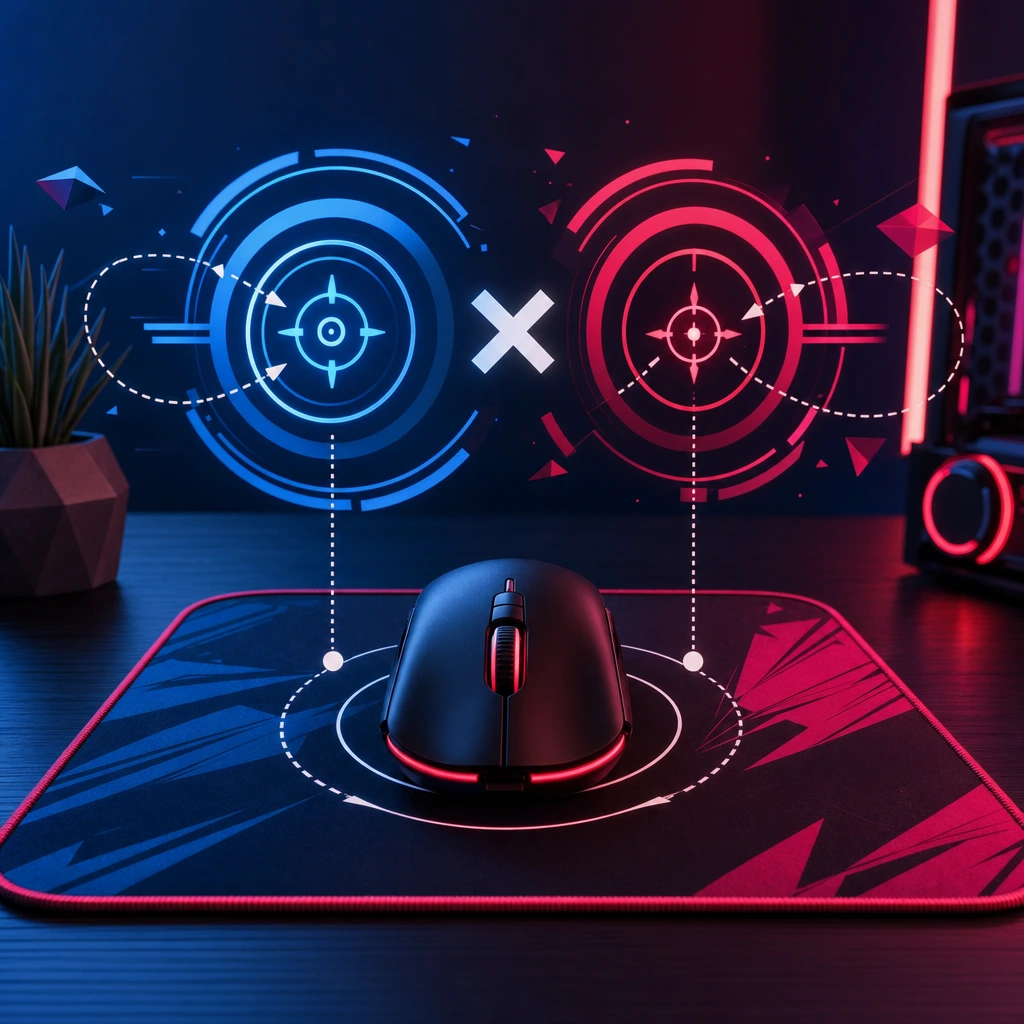
DPI is how sensitive your mouse is at the hardware level. In-game sensitivity is the Fortnite setting that scales that movement. eDPI makes different setups easier to compare: DPI multiplied by in-game sensitivity percentage. For example, 800 DPI with 7% in-game sensitivity equals 56 eDPI. A player on 1600 DPI at 3.5% also has 56 eDPI, even though the settings look different.
cm/360 and why it matters for Fortnite
cm/360 means how many centimeters you move your mouse to turn a full 360 degrees in-game. A higher cm/360 means lower sensitivity and more arm movement. A lower cm/360 means higher sensitivity and more wrist movement. Fortnite needs both stable crosshair control and quick turns, so cm/360 matters for shotgun flicks, tarping, tracking gliding players, and reacting when someone phases into your box.
ADS sensitivity and scoped sensitivity
ADS sensitivity controls aim speed while aiming down sights. Scoped sensitivity affects zoomed weapons such as scoped ARs, DMR-style weapons, or snipers when they are in the loot pool. Most players benefit from ADS and scoped values that feel more controlled than hip-fire Fortnite sensitivity because long-range beams punish tiny overcorrections.
Build sensitivity and edit sensitivity multipliers
Build and edit multipliers are especially important on controller. They multiply your look sensitivity while building or editing, helping you place pieces and move through edit courses faster. Higher values can feel cracked, but if you miss tiles, over-rotate ramps, or fail resets, the multiplier is too aggressive for your current control.
Best Fortnite sensitivity for mouse and keyboard
Mouse and keyboard players should separate aim speed from mechanical speed. A fast Fortnite sensitivity can make builds and edits feel smooth, but aim consistency usually wins fights. You need enough speed to turn on players, but enough control to place your crosshair before you shoot. A good setup should let you track a sprinting player, flick a shotgun shot, tunnel under pressure, and reset an edit without fighting your own mouse.
Good Fortnite sensitivity for 800 DPI
At 800 DPI, a practical starting range is usually 5% to 10% in-game sensitivity. That equals 40 to 80 eDPI. If you want more precision, start around 5% to 6.5%. If you want a balanced feel, try 6.5% to 8.5%. If your mechanics feel slow and you have stable aim, 8.5% to 10% can work, but test carefully.
- 800 DPI at 5% equals 40 eDPI, a controlled low setup.
- 800 DPI at 7% equals 56 eDPI, a common balanced setup.
- 800 DPI at 9% equals 72 eDPI, a faster setup for quick mechanics.
- 800 DPI at 10% equals 80 eDPI, high enough that shaky aim may appear for some players.
Low vs high sensitivity for mouse players
Low sensitivity helps with micro-adjustments, AR tracking, and shotgun accuracy when your crosshair is already near the target. The tradeoff is that big turns require more arm movement and desk space. High sensitivity helps with fast spins, mechanics, and emergency reactions, but it can create shaky aim if your wrist makes tiny unwanted movements. Medium Fortnite sensitivity is popular because it gives you workable aim and fast enough mechanics without forcing an extreme style.
Recommended ADS and scoped settings for mouse aim
For mouse, try ADS sensitivity around 35% to 70% of your hip-fire value. If AR tracking feels too fast or your reticle shakes at range, lower ADS by 5% to 10%. If you cannot keep up with strafing players, raise it slightly. Scoped sensitivity should usually be calm enough for precision, especially when snipers or scoped rifles are strong in the current season.
Best Fortnite sensitivity for controller and console
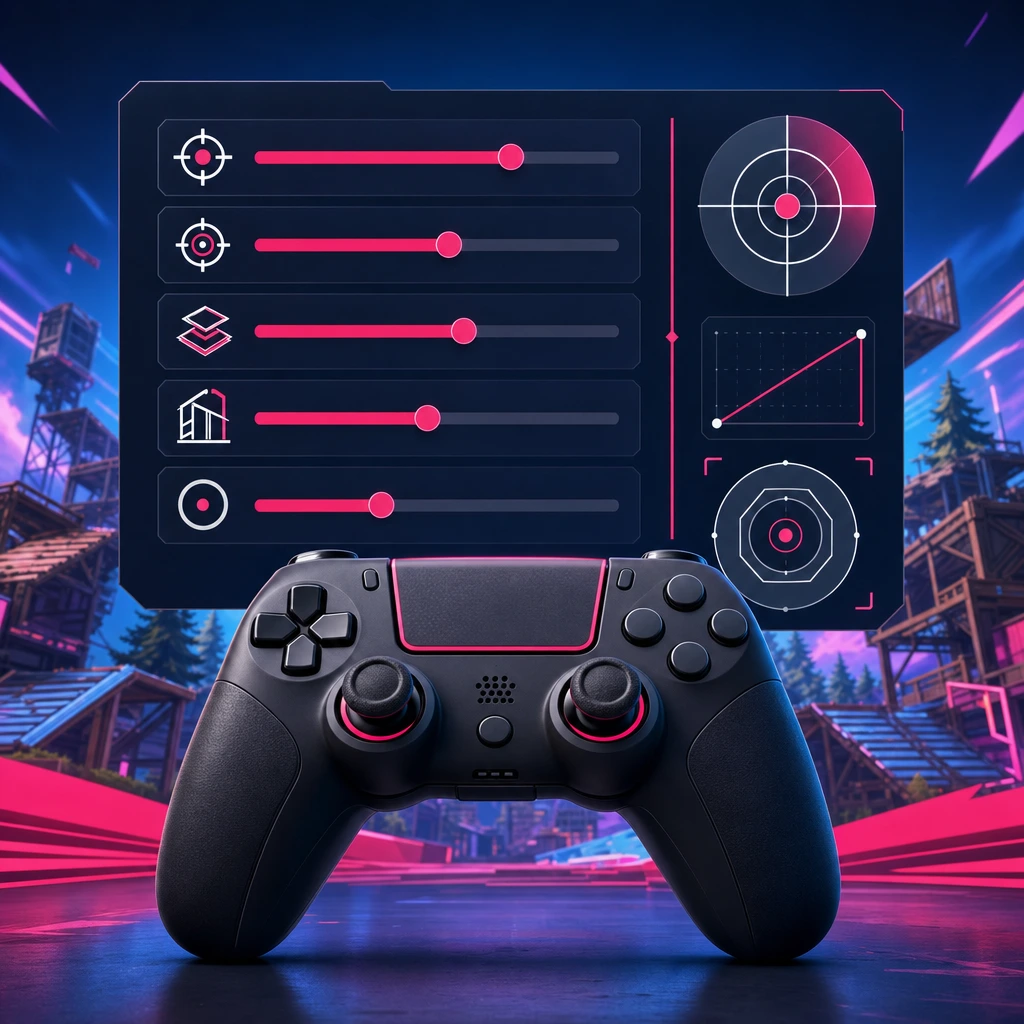
Controller players on PlayStation, Xbox, Switch, and PC need a different approach. Your Fortnite sensitivity is affected by look speed, ADS, deadzone, response curve, aim assist behavior, build multiplier, edit multiplier, and stick condition. The goal is not to max out speed. The goal is to turn quickly enough while still letting aim assist and thumbstick control work naturally.
Controller look sensitivity: a safe starting range
Beginner controller players can start around 30% to 38% horizontal and vertical look sensitivity. Balanced players often land around 38% to 48%. Advanced players may prefer 48% to 60% or higher, but only if they can still aim calmly after edits. Vertical sensitivity can feel different because building, aiming up ramps, and tracking jumping players all push the right stick in ways that are harder to control.
ADS sensitivity for controller aim assist
Controller ADS sensitivity influences how aim assist feels during mid-range fights. Lower ADS can make tracking and recoil control feel smoother. Higher ADS can help you keep up with fast strafes, but it can also pull you off target if your thumb movement is too aggressive. A practical starting range is 8% to 16%, then adjust in small steps.
Deadzone settings and stick drift
Deadzone is the amount your stick must move before the game registers input. Lower deadzone can feel more responsive, but if it is too low, stick drift can move your camera or crosshair without you touching it. A simple test is to lower deadzone until drift appears, then raise it slightly. Warning signs include shaky aim, unwanted camera movement, or edits that feel inconsistent.
Build and edit sensitivity for controller mechanics
Many controller players use build and edit multipliers above look sensitivity because mechanics need quick camera movement. A reasonable starting range is around 1.6x to 2.2x for builds and edits, but this depends on your base look speed. If you miss walls, select the wrong edit tile, or cannot aim after confirming an edit, reduce the multiplier before blaming your binds.
Gyro aiming and motion controls
Gyro aiming can help players who like motion-based micro-adjustments, especially on supported controllers and platforms. It can make small corrections feel more natural while the stick handles larger camera turns. If you try gyro, do not change every other setting at the same time. Start with conservative values, test tracking and shotgun shots, then tune slowly.
How to find your perfect Fortnite sensitivity step by step
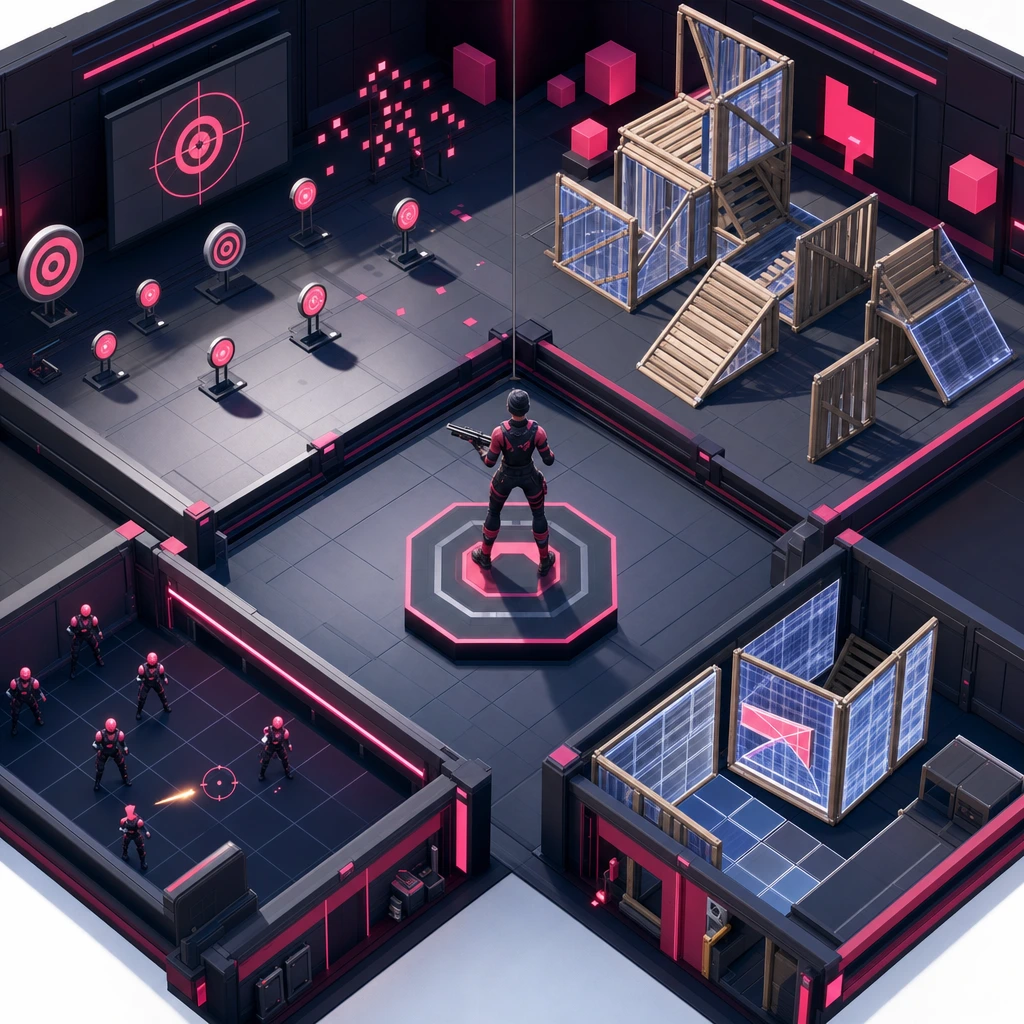
The biggest gap in most settings guides is the testing process. Numbers help, but repeatable testing is what turns into something you can trust. Use Creative, aim trainers, realistic 1v1s, box fights, and real matches. The goal is to isolate problems instead of guessing.
Step 1: Choose a realistic starting point
Pick one starting range based on your input type, available space, and playstyle. If you are on mouse with limited desk space, do not start ultra-low. If you are on controller and already over-rotate, do not jump to max speed because a creator uses it. Choose one baseline and stay there long enough to judge it.
Step 2: Test tracking, flicks, builds, and edits separately
Test AR tracking against strafing targets, shotgun flicks at close range, 90s, tunneling, piece control, edit confirms, and resets as separate drills. A that feels great in an edit course may still fail when you need a calm pump shot. Keep each drill short, focused, and repeatable.
Step 3: Change only one setting at a time
Do not change DPI, look sensitivity, ADS, build multiplier, edit multiplier, and deadzone in one session. You will not know what helped. Make small changes, such as 0.5% to 1% in-game on mouse, 2% to 4% look speed on controller, or 0.1x to 0.2x on multipliers. Write quick notes after each test.
Step 4: Play real fights before deciding
Creative can feel clean because the environment is controlled. Battle Royale, Reload, or Ranked fights expose pressure, third parties, awkward terrain, surprise angles, movement chaos, and panic turns. Before you call a setting perfect, play enough real fights to see how it behaves when your mats are low and someone is jumping into your box.
Step 5: Lock your settings long enough to build muscle memory
Changing after every bad match destroys consistency. Once a setting passes your tests, keep it for several sessions. You need time to build muscle memory, especially for flick distance, edit timing, and ADS tracking. If a pattern stays bad after multiple sessions, then adjust.
Troubleshooting your
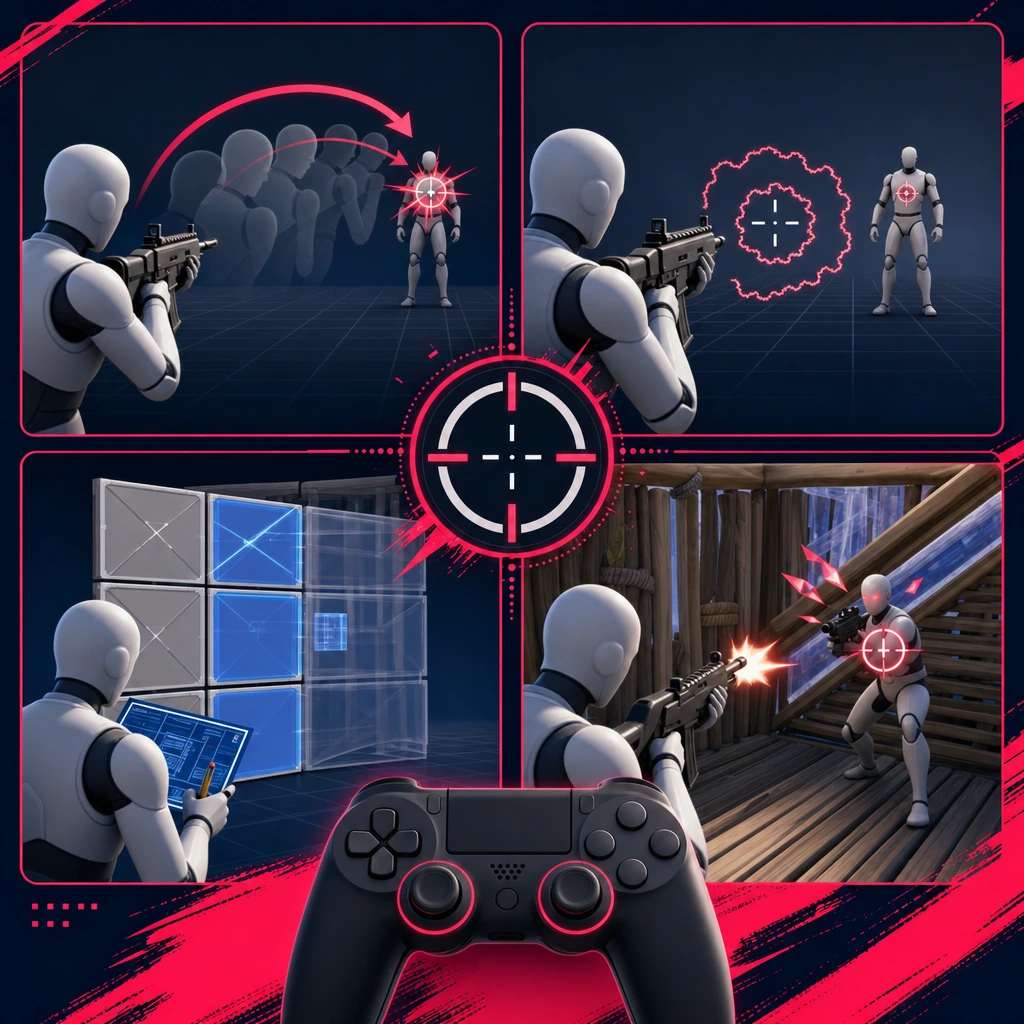
Your mistakes usually tell you what to change. Do not treat every missed shot as a sensitivity problem, but look for repeated patterns across multiple fights.
If you overflick shotgun shots
If your crosshair passes the target before you shoot, lower your look speed or eDPI slightly. On controller, reduce horizontal look sensitivity by a few points. Also check whether high build and edit multipliers are training frantic camera movement that carries into your aim.
If you undertrack moving players
If your reticle lags behind sprinting or sliding players, raise slightly or increase ADS sensitivity in small steps. On mouse, make sure your arm movement is not restricted by desk space. On controller, practice smooth thumbstick pressure rather than tapping the stick.
If your aim feels shaky
Shaky aim usually means the setting is too fast, the deadzone is too low, or your grip is unstable. Lower hip-fire, ADS, or scoped sensitivity first. On controller, raise deadzone slightly if the camera moves by itself. On mouse, check that your wrist is not doing all the work at a speed your hand cannot control.
If your edits feel slow
Slow edits may come from sensitivity, but they can also come from binds, confirm settings, crosshair placement, timing, input delay, or hesitation. If your aim is stable but your mechanics lag, raise edit sensitivity multiplier a little. If you start missing tiles, return to the previous value and work on route efficiency.
If close-range fights feel inconsistent
Close-range inconsistency is usually a mix of panic turns, shotgun timing, movement tracking, build placement, and piece control. Test realistic 1v1s and box fights with one setting change at a time. If you can build fast but cannot land the shot after the edit, your may be helping mechanics while hurting aim.
by playstyle
Your playstyle should shape your settings. A solo W-key player, a calm support player, and a mechanical Creative grinder do not need identical numbers. Good should make your normal fights easier to repeat.
Aggressive box fighter
Aggressive box fighters need fast enough camera control for piece control, quick edits, right-hand peeks, and shotgun angles. Still, speed cannot wreck crosshair placement. If you often edit open and flick past the target, lower sensitivity before adding more mechanics practice.
Long-range tracker and support player
Support players who focus on tags, beams, and pressure for duos or squads often benefit from slightly lower ADS or overall sensitivity. You want smooth tracking, controlled recoil, and calm reticle movement. This is especially useful when your job is to crack shields before your teammate takes space.
Builder and mechanical player
Mechanical players may prefer higher build and edit multipliers because fast piece placement matters. The test is simple: can you still reset, confirm, and aim after the edit? If the answer is no, your mechanics look fast but your fight flow is not clean.
Casual, Ranked, and competitive players
Casual players can prioritize comfort. Ranked players need consistency under pressure because one messy fight can cost placement and points. Competitive players should optimize for long sessions, repeatable mechanics, and stable aim across different lobbies. The more serious your goals, the less you should chase daily setting changes.
Current Fortnite meta and season factors to check in 2026
Before publishing or updating any recommendation in 2026, check the current Chapter, season, weapon pool, movement mechanics, and input changes. Fortnite shifts often. A season with strong scoped weapons may reward lower ADS. A season with high mobility and chaotic close-range pressure may make faster look speed feel better.
When the weapon pool changes
Hitscan rifles, projectile weapons, scoped ARs, shotguns, SMGs, and snipers all ask different things from your aim. Projectile weapons may need smoother leading. Strong SMGs reward tracking. Heavy shotgun metas reward calm flicks. If the loot pool changes, retest ADS and scoped sensitivity before changing everything.
When movement changes
Sprinting, sliding, mantling, mobility items, and movement updates can make camera control feel different. If players move faster or take wider angles, you may need a small increase. If fights slow down and aim precision matters more, a small decrease can help. Keep changes small so your muscle memory survives the update.
Common mistakes to avoid
- Copying pro player settings blindly without considering your setup, rank, input, or desk space.
- Changing settings every day after one bad match or one clean Creative session.
- Using a sensitivity so high that your crosshair never settles before you shoot.
- Ignoring ADS sensitivity, then wondering why mid-range tracking feels inconsistent.
- Ignoring controller deadzone when stick drift is causing unwanted camera movement.
- Raising build and edit multipliers until mechanics look fast but fights feel messy.
- Blaming sensitivity for every missed shot instead of checking timing, positioning, peeks, and decision-making.
Final recommendation: build settings around your fights, not someone else's highlight reel
The best is not the flashiest number or the newest pro trend. It is the setup that lets you aim, build, edit, track, and reset with the least hesitation in real fights. Use pro settings as references, pick a realistic starting point, test one setting at a time, and keep your final setup long enough to build muscle memory.
Your settings matter, but your teammates matter too. In duos and squads, a support tracker, aggressive fragger, or calm IGL can make your playstyle shine. COYA helps match you with compatible gamers by games, platforms, rank, age, and playstyle, then puts you in a live room so you can play together instantly.
Your next squad is waiting
Join COYA and start playing together: https://www.coya.gg/