
Roblox Communities in 2026: How to Find a Squad That Fits
Roblox Communities help players discover experiences, follow creators, and meet people with shared interests. This practical 2026 guide covers discovery, joining, creation, growth, safety, and how COYA turns community browsing into compatible squads ready to play.
Roblox Communities help players discover experiences, follow creators, and meet people with shared interests. This practical 2026 guide covers discovery, joining, creation, growth, safety, and how COYA turns community browsing into compatible squads ready to play.
At COYA, we believe a gaming community becomes useful when it helps you meet people you genuinely enjoy playing with. Roblox Communities can connect you with creators, experiences, builders, roleplayers, competitive players, and fans of specific game genres. But joining a page with thousands of members does not automatically give you a good duo, an active squad, or someone ready for a chill session tonight. This guide explains how to evaluate, join, create, manage, and grow communities in 2026, while showing how COYA helps players move from browsing member lists to playing with compatible gamers.
What are Roblox Communities?
Roblox Communities are organized spaces built around a creator, experience, studio, genre, activity, or shared interest. Members may follow announcements, access community-owned experiences, participate in discussions, receive roles, attend events, or contribute to development. For creators, these spaces provide a recognizable home for their audience. For players, they make it easier to keep up with an experience and find others who care about the same corner of Roblox.
The strongest Roblox Communities have a clear purpose and an active reason to return. A roleplay community might schedule story sessions, while a development community could organize playtests and collect bug reports. COYA adds another practical layer: once you know what you want to play, it can help you find people matched by game, platform, rank, age, and playstyle instead of relying on random encounters.
Are Roblox Communities the same as Roblox Groups?
Yes, Roblox Communities are the evolution of the system previously called Groups. Familiar functions can include member roles, permissions, community walls, funds, payouts, and experiences connected to the community. The terminology and interface may change over time, so owners should verify current controls in the official help documentation before changing permissions or financial settings.
What players, creators, and parents can use them for
- Players can follow favorite experiences, discover events, meet potential friends, and find organized sessions.
- Creators can announce updates, recruit testers, gather structured feedback, and manage experiences under a shared identity.
- Community managers can assign roles, moderate conversations, publish rules, and coordinate recurring activities.
- Parents can review the stated purpose, recent activity, communication standards, age suitability, and visible moderation.
- Players using COYA can turn a shared interest into an actual session with people who fit their availability and gaming style.
How to find Roblox Communities worth joining
Start with the experience or activity you already enjoy. Search Roblox Communities using the experience name, creator name, genre, or a specific interest such as building, competitive play, roleplay, fashion, or development. Experience pages and creator profiles may also point toward an official community. Before joining, confirm that the page belongs to the expected creator and that its recent activity matches its stated purpose.
Do not treat member count as a quality score. A community with 80,000 members can still feel empty if posts receive no useful replies and events rarely happen. A focused space with 600 members may produce better sessions if its moderators are active and players share clear goals. COYA takes this idea further by focusing on compatibility rather than the size of a directory.
Choose a Community based on your game and playstyle
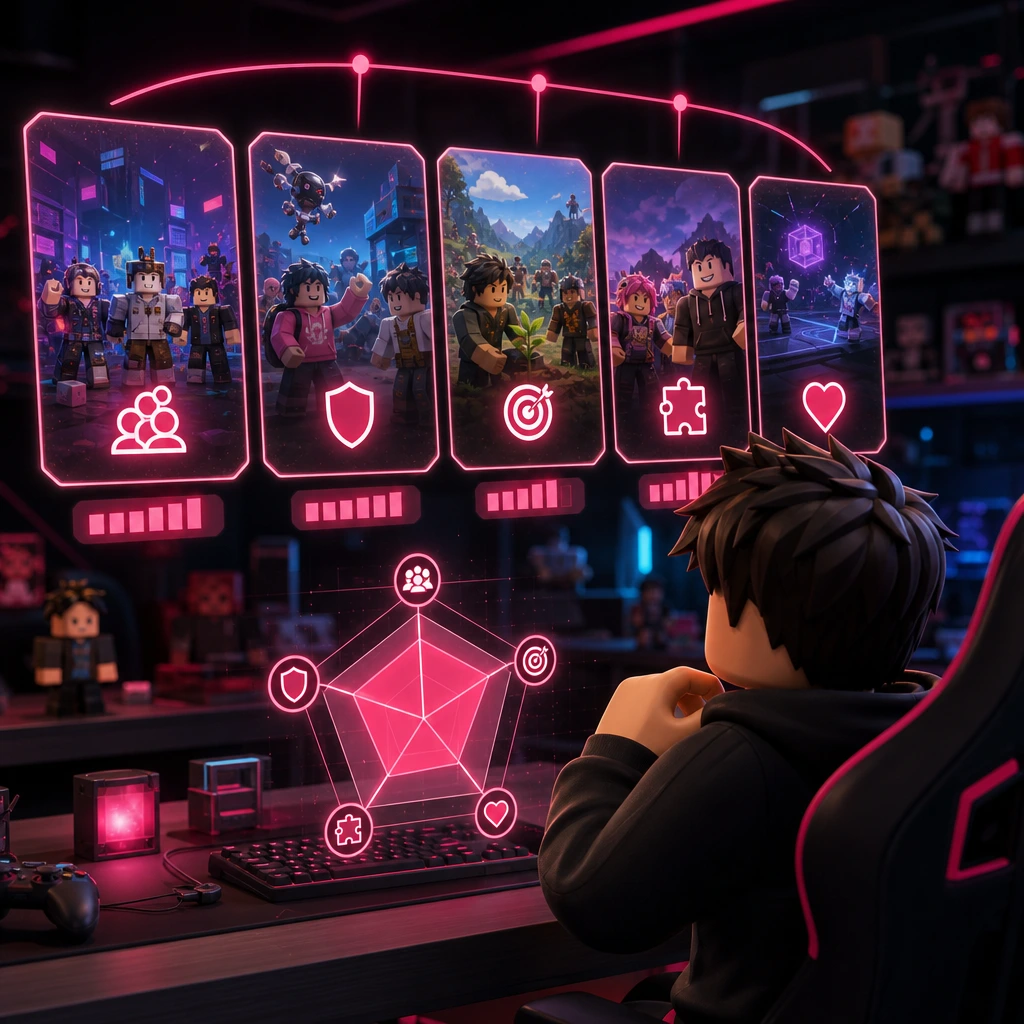
Define what you want before opening ten tabs. Are you looking for ranked teammates, relaxed exploration, serious building, roleplay, trading knowledge, development feedback, or scheduled events? Also consider your usual platform, experience level, region, language, available hours, and communication preferences. These details determine whether Roblox Communities will actually support the way you play.
For example, a skilled player looking for a coordinated grind squad may not enjoy a beginner-focused social community. Someone who wants a calm weekend lobby may not fit a space built around daily competitive sessions. COYA helps reduce that mismatch by introducing gamers based on concrete signals, including game, platform, rank, age, and playstyle.
Check activity, moderation, and member quality
- Recent activity: Look for current announcements, replies, events, or experience updates rather than years-old posts.
- Clear rules: Members should know what behavior, promotion, trading, and language are allowed.
- Visible moderation: Moderators should respond consistently without creating unnecessary drama.
- Useful roles: Roles should communicate responsibility or progression instead of existing only as decoration.
- Real engagement: A smaller number of thoughtful replies is more useful than repetitive spam.
- Working experiences: Community-linked experiences should be maintained and relevant to the stated purpose.
Spot inactive, unsafe, or misleading Communities
Leave Roblox Communities that pressure you to share personal details, promise unrealistic Robux rewards, request passwords or verification codes, or push unfamiliar downloads. Other warning signs include copied branding, constant giveaway spam, unmoderated harassment, impersonation, and links that do not match their visible destination. A legitimate moderator does not need your password to assign a role, restore an item, or verify your account.
Community size is not player fit
COYA helps you look beyond vanity metrics. If your real goal is to find a duo, squad, grind partner, or chill lobby, compatibility and availability matter more than a huge member number.
How to join a Roblox Community step by step
The precise labels can vary between desktop and mobile updates, but the basic 2026 flow is straightforward. Sign in to the correct account, open the relevant Community page, review its description and rules, and select the available Join control. Some Roblox Communities accept members immediately, while others require approval or have eligibility conditions. Never complete an unofficial account verification process to obtain membership.
- Confirm that the Community name, owner, description, and linked experiences are consistent.
- Read the rules and check whether the activity suits your age and goals.
- Select Join and complete only the legitimate on-platform steps shown to your account.
- If approval is required, wait for a moderator rather than contacting random members repeatedly.
- Once accepted, review your role and available experiences before posting or requesting access.
What to do after you join
Read pinned information, understand the communication rules, and check which activities are currently active. Introduce yourself without sharing private information, then contribute before asking for status or special permissions. You could join a scheduled session, answer a beginner's question, report a reproducible bug, or give concise feedback after a playtest. Healthy Roblox Communities grow when members add value instead of only collecting another badge.
How to leave or report a Community
If a Community no longer fits, use the available menu on its page to leave. Block or mute individual users when appropriate, and report content or behavior that violates platform rules. Save relevant evidence without reposting harmful material. Your boundaries matter, and COYA gives you another route to keep searching for gamers who better match your goals.
How to create and set up a Roblox Community
Before creating Roblox Communities, write a one-sentence purpose. Define who the community serves, what members will do together, and why they should return next week. Then choose a distinct name, create suitable visual assets, publish concise rules, configure roles, and connect only relevant experiences. Roblox may apply account eligibility conditions and a Robux creation fee. Because requirements and prices can change, verify the live amount and current creation rules in the official interface immediately before spending Robux.
Define a clear purpose before spending Robux
A useful purpose is specific enough to shape decisions. Instead of saying the space is for everyone who likes Roblox, define the experience, expected skill level, activity schedule, language, age suitability, and session style. COYA uses similar compatibility signals because a player seeking focused progression needs a different room from someone looking for casual social play.
If you cannot explain who should join and what members will do together, the Community is not ready to launch.
— COYA community principle
Set roles and member permissions carefully
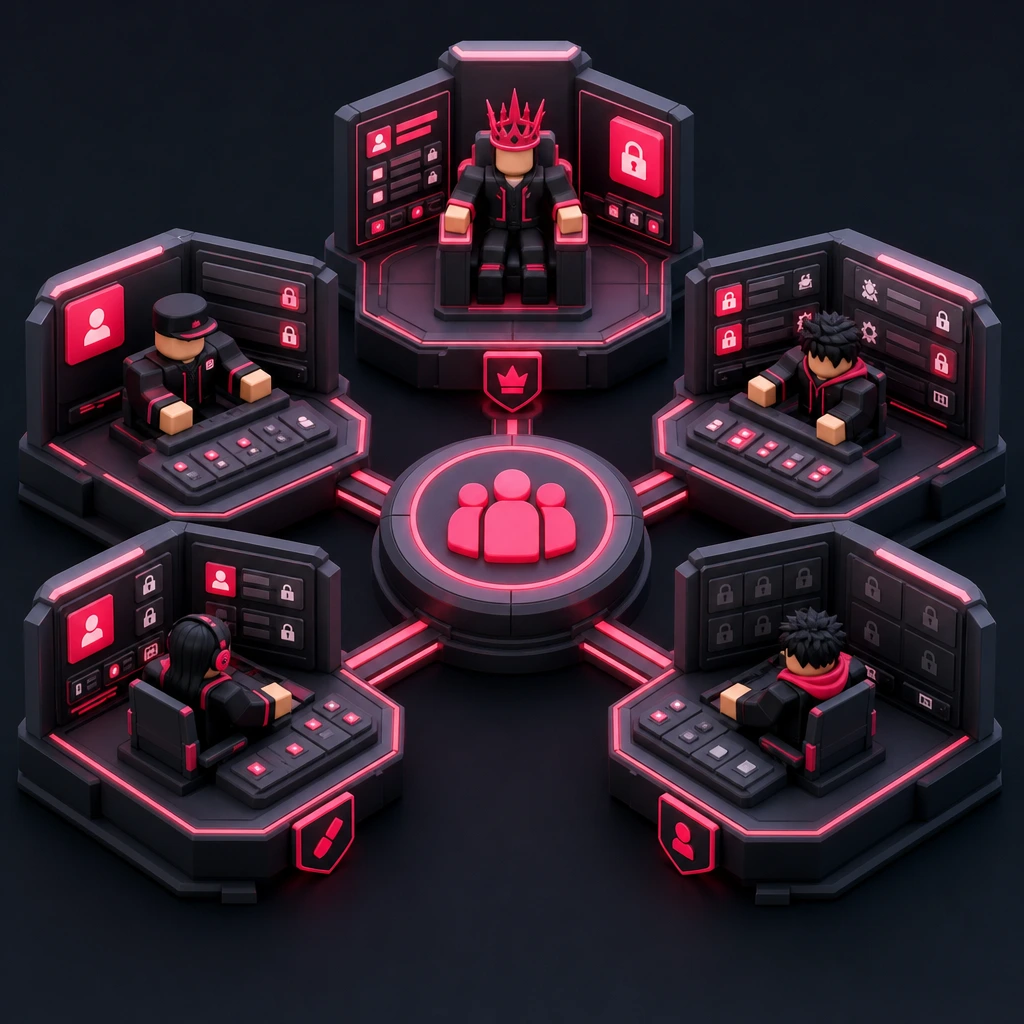
Use the least access needed for each responsibility. The owner controls the highest-risk settings. Administrators may manage operations, moderators handle member behavior, creators work on approved experiences or assets, and regular members participate without management access. Avoid giving publishing, spending, payout, or role-management permissions simply as a reward for friendship.
Document who can post announcements, moderate the wall, edit roles, publish experiences, manage funds, and approve members. Review access monthly and remove permissions when responsibilities change. For financial actions, use separate confirmation steps and keep a record of approved payouts. Strong Roblox Communities treat permissions as operational controls, not collectible ranks.
Can Roblox Community ownership be transferred?
Ownership transfer may be available when the accounts and Community satisfy current eligibility requirements. Treat it as a high-risk change because ownership can include control over roles, experiences, funds, and member trust. Confirm the official 2026 instructions, secure both accounts with two-step verification, document the handover, and notify members clearly. Never use an unofficial middleman or share login credentials to complete a transfer.
How to keep Roblox Communities safe
Safety is shared between platform controls, community moderation, and personal judgment. זה should publish understandable rules, provide a clear reporting route, and respond consistently to harmful conduct. Players and parents should also assess whether conversations, events, and linked destinations are appropriate for the user's age and comfort level.
Protect privacy and account access
Use a unique password and enable two-step verification. Do not share passwords, recovery codes, verification messages, private addresses, school details, financial information, or documents. Keep introductions focused on gaming interests and general availability. COYA matches players using useful compatibility factors, but no matching system replaces reasonable boundaries when meeting someone new.
Avoid scams, fake Robux offers, and risky links
Common scam patterns include free Robux claims, fake account verification, suspicious downloads, urgent trade requests, and impersonation of owners or moderators. Check the real destination before opening a link, and do not install files to receive a role or reward. If an offer depends on secrecy, urgency, or account access, step away and report it.
Moderation signals parents and players should check
- Rules clearly define harassment, sexual content, discrimination, scams, and personal-information sharing.
- Members know how to contact moderators or use the platform's reporting tools.
- Moderators are active across different time zones and apply rules consistently.
- The stated age suitability matches the tone of conversations and planned events.
- Harmful posts are removed promptly rather than becoming normal community behavior.
- External links are limited, relevant, and never required for sharing sensitive account details.
Parents do not need to understand every game mechanic to evaluate זה. Review the purpose with the player, inspect recent public activity, discuss what information stays private, and agree on what to do if a conversation feels uncomfortable. The goal is informed participation, not fear.
How creators can grow active זה
Growth should mean more people returning and participating, not only more accounts pressing Join. Build a predictable rhythm around the experience. One weekly playtest, one update preview, and one structured feedback thread can outperform a flood of disconnected announcements. Members should understand what is happening, when it happens, and how they can contribute.
Turn members into regular players
Create recurring events such as beginner sessions, competitive nights, build reviews, creator Q&As, seasonal challenges, and early-access playtests. Publish schedules with time zones and describe the intended skill level. COYA can help compatible players find each other around these activities, making it easier to form a reliable squad instead of hoping that random members appear.
Give progression meaning. A role could recognize helpful bug reports, reliable event hosting, constructive mentorship, or approved creative work. Avoid rewarding empty posting or inviting large numbers of inactive accounts. The healthiest זה make useful participation visible without turning every interaction into a grind.
Use feedback without losing your creative direction
Collect feedback in categories such as bugs, balance, onboarding, performance, accessibility, and new ideas. Count repeated themes, but also examine which player segment reported each issue. Ten new players struggling with onboarding may reveal more than one experienced player requesting an advanced feature. Acknowledge useful input, explain what is being tested, and avoid promising every suggestion.
Measure community health, not just member count
Track weekly active participants, returning players, event attendance, helpful posts, response time, moderation incidents, and experience retention. For example, if 200 members see an event announcement, 40 register, 28 attend, and 17 return the following week, those numbers reveal where engagement drops. COYA also encourages creators to consider successful squad formation: are members actually finding people with whom they want to play again?
On-platform Communities and real-time gaming spaces
Different gaming spaces serve different stages. זה are strongest when players need official creator identity, community-owned experiences, roles, announcements, permissions, funds, and native discovery. General chat spaces can support longer conversations, while teammate matching is useful when the immediate goal is to find an available player and start a session.
When a Roblox Community is the right choice
Choose a Community when you want an ongoing connection to an experience or creator. It is the natural place to follow updates, access linked content, participate in playtests, or understand formal roles. COYA complements this structure when members want to turn shared interest into a compatible duo or squad.
When you need more than a member directory
Even active זה can leave one question unanswered: who fits your vibe and is ready to play now? Scrolling through a long member list does not tell you whether someone shares your platform, rank, age range, goals, or session style. COYA is built to answer that practical question and place compatible gamers into a live room together.
How COYA helps Roblox players find the right people
COYA supports gamers aged 16 to 42 who want more than random matchmaking. You select relevant details about your games and how you like to play, and COYA uses those signals to connect you with compatible people. For members of זה, that means you can keep the benefits of creator-led spaces while gaining a faster way to build gaming friendships and reliable squads.
Match by game, platform, rank, age, and playstyle
Compatibility changes the whole session. A competitive grinder may want efficient communication and clear objectives. A casual player may prefer exploration, jokes, and low-pressure sessions. Platform, rank, age, and schedule can also affect the vibe. COYA brings these signals together around one clear promise: Find Teammates Who Actually Fit Your Playstyle.

Move from looking for players to playing together
COYA is designed to shorten the gap between wanting a session and actually starting one. Instead of endlessly posting that you are looking for players, you can be matched with compatible gamers and enter a live room together. Whether you need a new duo, a reliable grind partner, a coordinated squad, or a chill lobby, the point is to play rather than stay stuck in search mode.
Build a better Roblox circle in 2026
The best זה combine a clear purpose, current activity, sensible permissions, visible moderation, and members who contribute. Choose carefully, protect your account, participate respectfully, and judge success by the quality of sessions rather than the size of a member list. When you are ready to find people who match your game, platform, rank, age, and playstyle, COYA can help you turn community discovery into a squad that actually works.
Your next squad might begin with a Community, but it becomes real when everyone loads into the same session. Find players. Join games. Play together with COYA.
Your next squad is waiting