
Find fortnite players in 2026: The smart way to build your squad
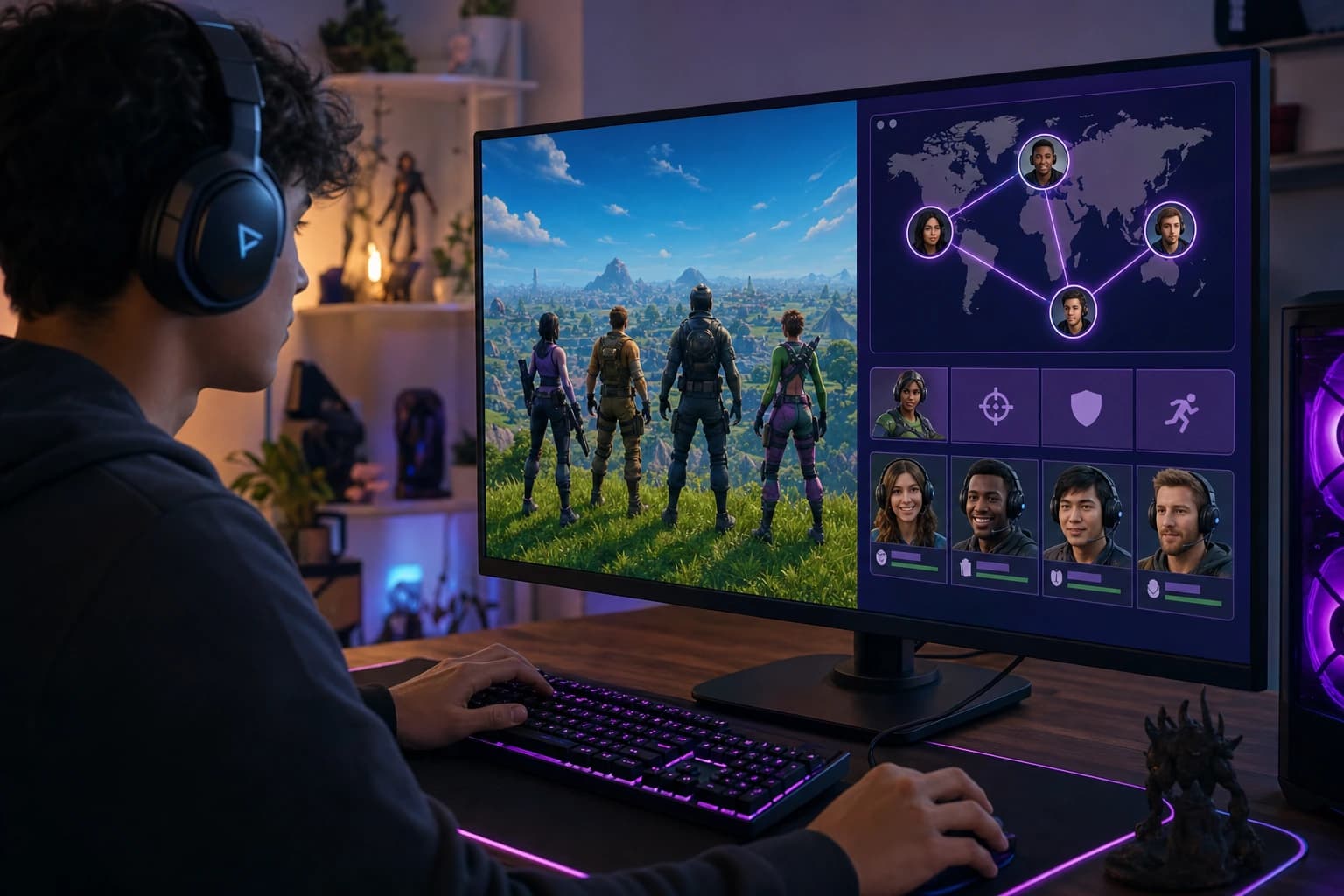
Finding the right Fortnite teammates is not just about filling a squad slot. This guide shows players worldwide how to compare LFG apps, Discord servers, stat tools, and compatibility-based matching so they can build better duos, squads, and ranked teams.
Finding the right Fortnite teammates is not just about filling a squad slot. This guide shows players worldwide how to compare LFG apps, Discord servers, stat tools, and compatibility-based matching so they can build better duos, squads, and ranked teams.
Finding a Fortnite teammate is easy. Finding one who actually fits your rank, region, mic style, play schedule, and vibe is where things get messy. In 2026, players have more ways than ever to connect, from Discord and Reddit to stat trackers, LFG platforms, clans, and gamer matching apps. The problem is not access. The problem is sorting through noise fast enough to get into a good lobby.
This guide is built for players worldwide who search Find fortnite players because random fills are not cutting it anymore. Maybe your squad never gets reboot cards. Maybe your duo hot drops every match when you want smart rotations. Maybe you are grinding ranked and need clean comms, not chaos. We will compare the main options, show what to check before adding someone, and explain how compatibility-based matching, including COYA, can help you meet gamers who actually match your vibe.
Why it is harder to Find fortnite players who actually fit your vibe in 2026
Fortnite is global, cross-platform, and constantly changing. A player on PC in EU can queue with a PlayStation player in NA, a Switch player in Oceania, or an Xbox player in LATAM. That freedom is great, but it also creates friction. Ping, language, age, platform controls, competitive goals, and voice chat habits all affect whether a match feels smooth.
Random fill solves only one problem: it puts bodies in the party. It does not tell you if someone has a mic, if they rage after one lost fight, if they want Ranked Battle Royale or chill Zero Build, or if they can play at the same time next week. That is why many players now search Find fortnite players with more specific intent. They want fit, not just availability.
Ranked pressure makes this even clearer. In a casual squad, one messy rotation is annoying. In ranked, it can wipe 20 minutes of progress. If your teammate chases every tag instead of rotating deadside, ignores mats, refuses to disengage, or gives no comms in endgame, the skill gap is not the only issue. The playstyle gap is.
COYA was built around that exact pain point. It matches gamers by games, platforms, rank, age, and playstyle, then puts compatible players into a live room so they can play together instantly. It is not the only way to Find fortnite players, but it is useful when you care about more than a one-time LFG post.
The main ways to find Fortnite teammates today
There is no single best place for every player. Some people want the biggest public community. Some want ranked teammates with similar stats. Some want a duo partner with a mic tonight. Others want a consistent squad that can play every weekend. Before choosing where to Find fortnite players, it helps to understand what each channel does well.
Fortnite LFG platforms
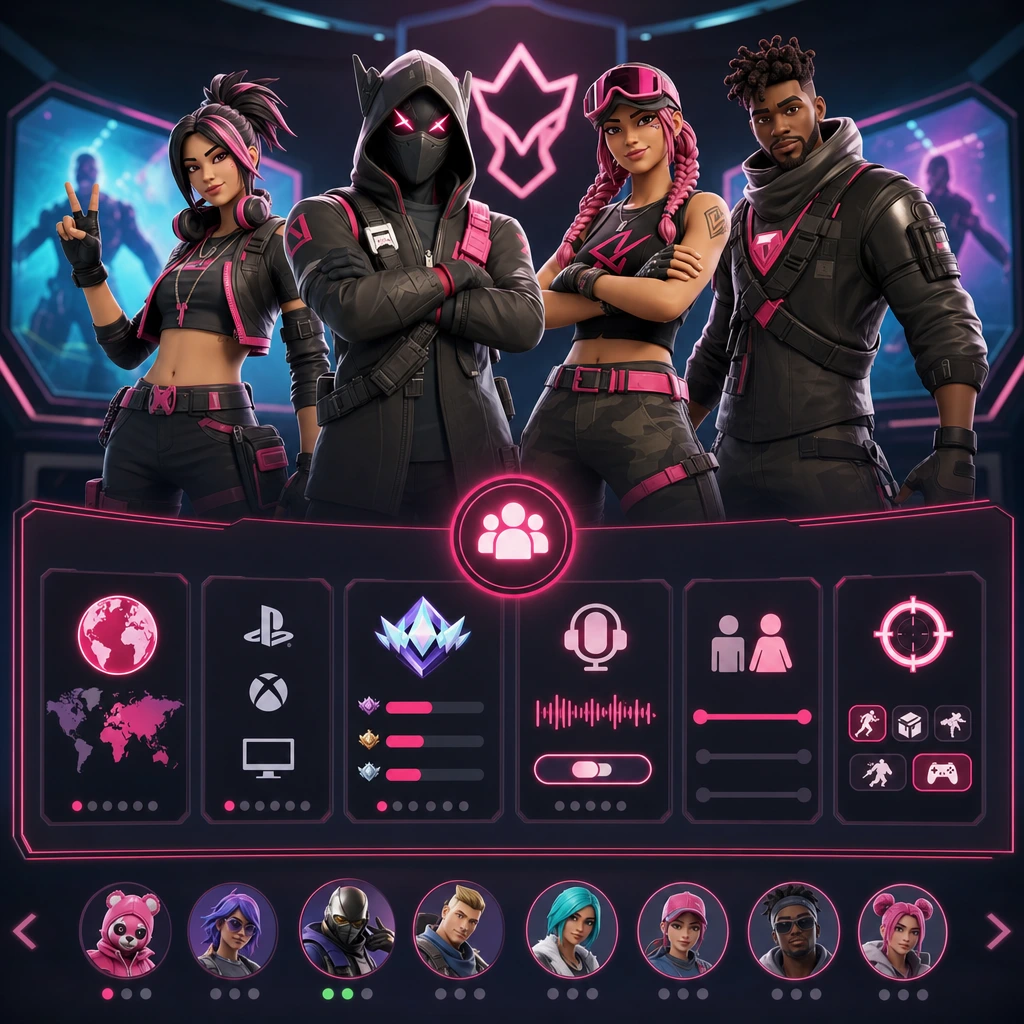
Fortnite LFG platforms usually let you create or browse player profiles. Common filters include mode, rank, region, platform, mic status, age range, language, and availability. Sites such as Z League and Teams.gg are examples of the structured LFG category, where the goal is to make teammate discovery easier than scrolling a giant chat feed.
The strength of LFG platforms is structure. If you need Diamond ranked Zero Build players in NA East with a mic, filters can save time. The weakness is that a profile can still miss the human part. A player can have the right rank and still be a poor match if your pacing, comms, or expectations are different.
Fortnite Discord servers
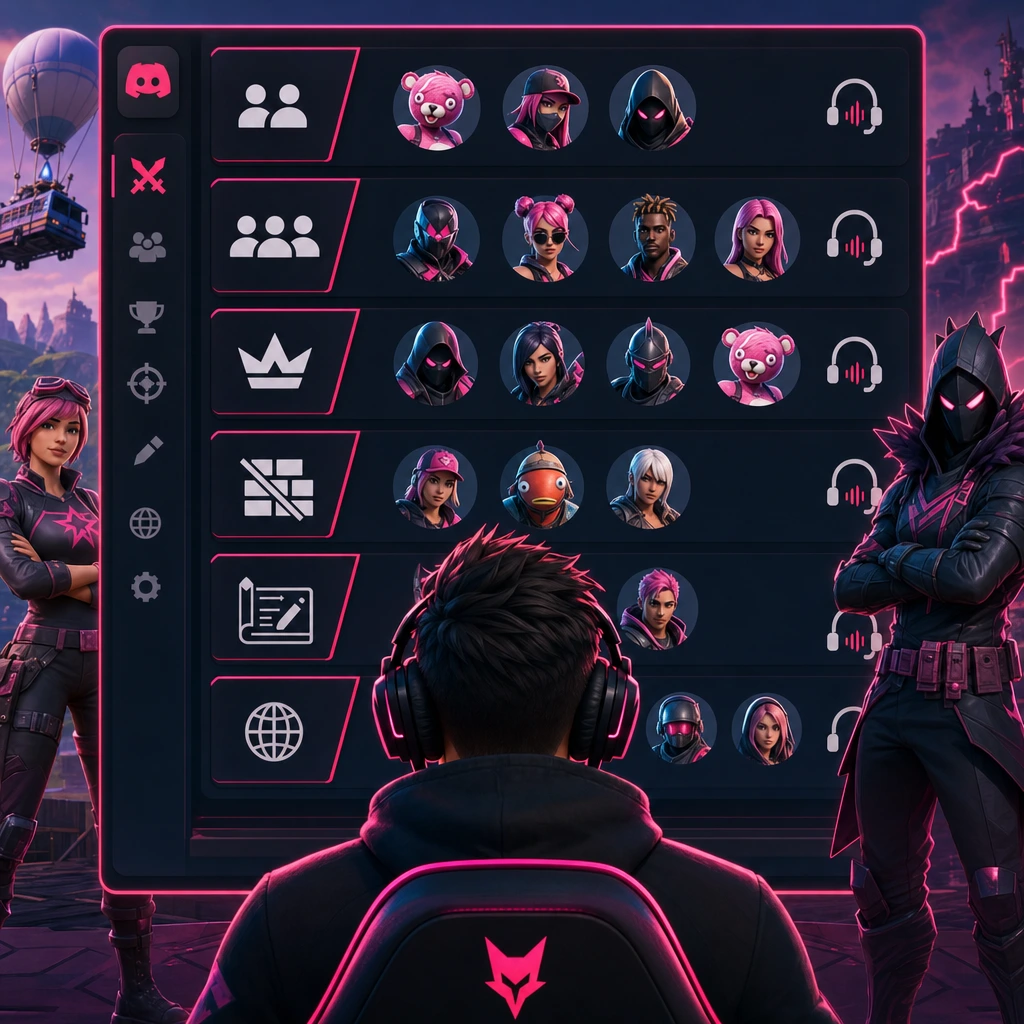
Discord remains one of the most active ways to Find fortnite players because it is fast and community-driven. Official and public Fortnite servers usually split channels by duos, squads, ranked, Zero Build, Creative, tournaments, region, or platform. You can post an LFG message and sometimes get replies within minutes.
The tradeoff is volume. Large servers move quickly, and low-effort posts disappear fast. Moderation quality also varies. A good Fortnite Discord server has clear rules, active channels, verification, reporting tools, and visible moderators. A messy one feels like spam with party invites attached.
Reddit, forums, and community posts
Subreddits such as r/FortNiteLFG and other community forums work well if you like written posts. Players usually include region, age, platform, mode, mic, rank, and what kind of session they want. Reddit can be useful for finding people who explain themselves better than they would in a fast Discord channel.
Response quality can vary. Some posts get no replies. Some get people who are not online when you are. Some are great but not filtered enough. If you use Reddit to Find fortnite players, your post needs to be specific, and you should check a person’s recent activity before adding them.
Fortnite player stats and username search tools
Fortnite Tracker-style tools are not pure LFG platforms, but they help you evaluate players. By searching an Epic Games username, you may be able to see public stats such as wins, win rate, K/D, ranked progress, leaderboard placement, and recent performance. This matters more for ranked or tournament-focused players.
Stats should be treated as context, not personality. A player with a strong K/D may still ignore comms. A casual player with average stats may be perfect for quests, Creative maps, or relaxed squads. Use stats to reduce surprises, not to judge the whole teammate.
Compatibility-based gamer matching apps
Compatibility-based apps focus less on browsing and more on fit. COYA matches players by games, platforms, rank, age, and playstyle, then moves them into a live room to start playing. If your goal is to Find fortnite players who are close to your actual gaming style, this model can be more direct than posting and waiting.
This is especially useful for players who know what they want: a chill Zero Build duo, a ranked trio with clear comms, a squad that does not tilt after one bad drop, or people around the same age who play at similar hours. Compatibility does not guarantee every match becomes a long-term squad, but it improves the starting point.
How to choose the best Fortnite LFG option for you
Choosing where to Find fortnite players depends on what problem you are solving. If you need someone right now, an active Discord channel might be enough. If you want to verify skill, use a stat tracker. If you want long-term teammate fit, use a profile-based or compatibility-based tool. The smart move is to match the platform to your goal.
- Speed: Discord, in-game fills, and active LFG feeds are strongest when you want a lobby now.
- Filtering: LFG platforms and matching apps are better for region, rank, language, platform, mic, and age preferences.
- Skill checks: Fortnite stat tools help with public performance, ranked progress, and recent activity.
- Community feel: Reddit, forums, and clans can work well if you prefer conversation before queueing.
- Compatibility: COYA is useful when playstyle, age, rank, platform, and live room matching matter.
If you play casual, ranked, Zero Build, or Creative
Casual players usually need patience, humor, and flexible goals. You might be doing quests, testing new items, chasing XP, or just vibing after work or school. In that case, do not over-prioritize K/D. Look for people who say they are chill, do not rage, and are fine with mixed results.
Ranked players need more precision. Ask about rank, preferred drop spots, rotations, endgame comfort, comms, and whether they play for placement or fights. If one player wants safe placement and another wants every hot drop, the squad will feel broken before the first circle closes.
Zero Build players should look for teammates who understand cover, angles, shockwave usage, bunker timing, and clean rotations. Build players may care more about mats, edits, box fights, height control, and refreshes. Creative players may want map codes, practice routines, 1v1s, box fights, aim training, or social maps. The best way to Find fortnite players is to name the mode clearly.
If you need cross-platform matchmaking
Fortnite cross-platform play makes it possible for PC, PlayStation, Xbox, Switch, and supported mobile players to connect through Epic Games accounts. Before joining a squad, confirm the Epic Games username, platform, voice chat setup, and whether party privacy is open. Small setup issues can waste 15 minutes before the first match.
Voice can happen through Fortnite party chat, platform party chat, or Discord, depending on the group. If someone is on console and someone else is on PC, test audio before queueing ranked. A teammate who cannot hear rotations or reboot calls is not really in the same match.
If you care about region, ping, language, and time zone
Global Fortnite matchmaking is powerful, but geography still matters. NA, EU, LATAM, Middle East, Asia, and Oceania players may have different ping, peak hours, languages, and competitive scenes. A great player on the wrong server can feel slow, especially in build fights or close-range shotgun trades.
Availability matters as much as skill. A perfect duo who plays once a month is less useful than a solid teammate who can queue every Tuesday and Thursday. When you Find fortnite players, include your time zone and typical play windows. It saves everyone from the classic “we should play sometime” loop that never happens.
If you are looking for players in your age group
Age range is not just a profile detail. It affects comfort, humor, maturity, schedules, and safety. Younger players often need moderated spaces, clear rules, and privacy settings. Older casual players may want teammates who understand work schedules, family time, and low-pressure sessions.
Mixed-age communities can work, but boundaries matter. If you are not comfortable sharing age, use a range and choose communities with moderation. COYA includes age as part of matching because the right social fit can make the difference between one awkward game and a squad you actually want to rejoin.
How to find Fortnite teammates on Discord without getting lost
Discord can be amazing or exhausting. The difference is how you use it. If your plan is only to paste “need duo” in a random channel, you will get random results. If you treat Discord like a filtered teammate search, you can Find fortnite players much faster and with fewer awkward lobbies.
Start with official and moderated Fortnite Discord servers
Start with the official Fortnite Discord or public servers that clearly show rules, moderation, verification, and active channels. Check whether the server has separate LFG areas by mode, rank, and region. If the last real post was days ago, move on. If every channel is spammed with links and fake giveaways, leave.
A moderated server will not remove every bad interaction, but it gives you better tools. Look for report channels, clear age rules, no account-selling policies, and active mods. Good communities make it easier to Find fortnite players without feeling like you are gambling with every invite.
Post a clear LFG message that gets the right replies
Your LFG post should answer the questions teammates already have. Include region, platform, mode, rank, mic status, age range, vibe, goal, availability, and Epic Games username if you are comfortable sharing it. A clear post filters out bad fits before they reach your lobby.
Reusable Fortnite LFG format
Region: EU | Platform: PC | Mode: Ranked Zero Build Duos | Rank: Platinum | Mic: Yes | Age range: 18+ | Vibe: calm comms, no rage | Goal: placement and smart fights | Time: weekdays 20:00 CET | Epic username: share in DM.
That level of detail may feel extra, but it works. A player who also wants calm comms and placement will recognize the fit immediately. A hot-drop-only player can skip it. That is exactly what good LFG should do.
Use Discord channels by mode, rank, and region
Post in the right channel, then search recent posts before creating your own. If a server has separate channels for NA ranked, EU Zero Build, Creative, or tournaments, use them. You are more likely to Find fortnite players who are online now when you match the channel to the session.
Avoid sending friend requests to everyone at once. Message one or two players, confirm the basics, and start with a short session. If the vibe is good, add them properly. If not, no drama.
Can you find Fortnite players by username?
Yes, sometimes. An Epic Games username can help you add someone, search public stats, or confirm you are looking at the right player. But it cannot tell you everything. Privacy settings, name changes, platform differences, and limited data can affect what you see.
If your goal is to by username, use it as one piece of the puzzle. You may be able to check recent activity, rank, wins, K/D, or match history through stat tools. You still need to confirm region, mic, age comfort, playstyle, and what kind of session they want.
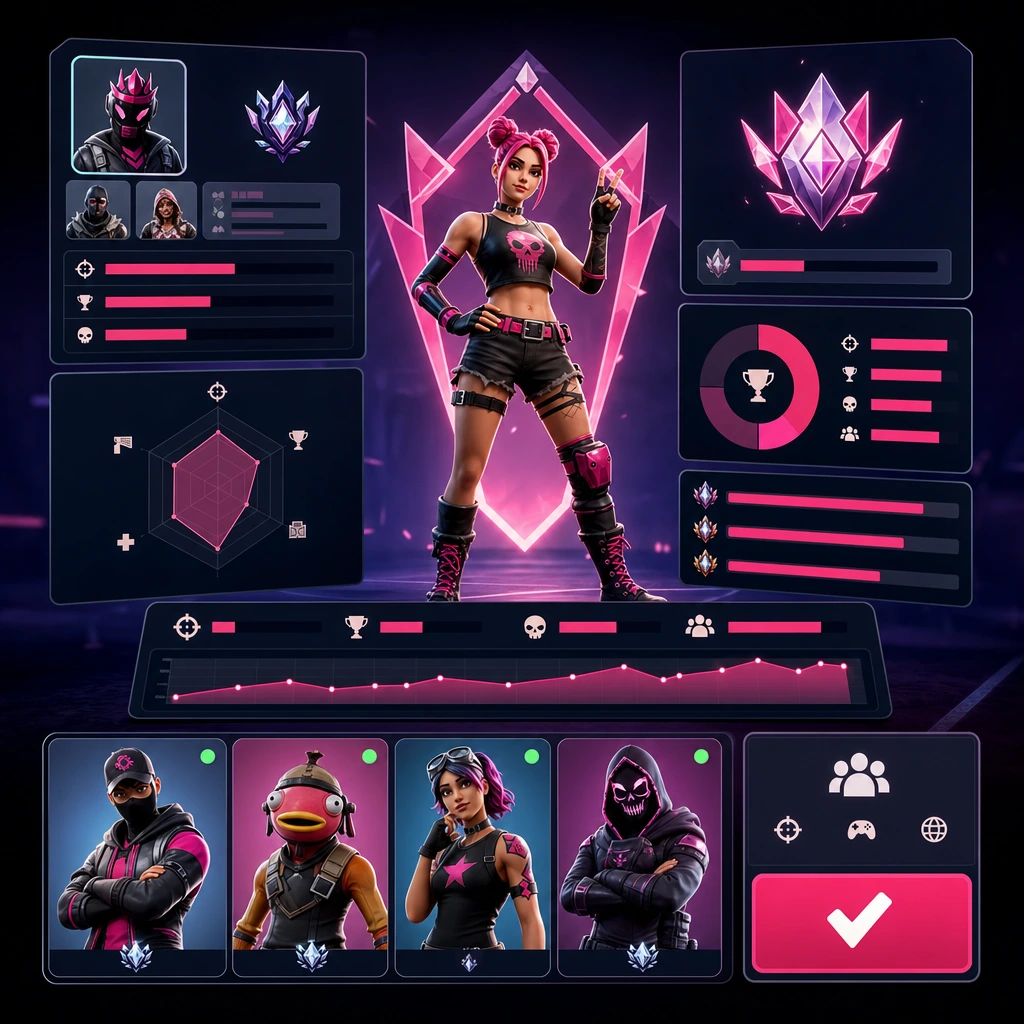
What to check before adding a player
- Platform and input: PC keyboard and mouse, controller, console, Switch, or mobile.
- Region and ping: make sure the server choice will feel playable for everyone.
- Recent activity: a player who has not played in months may not be ready for ranked.
- Rank and mode: Battle Royale, Zero Build, Reload, Creative, tournaments, or casual quests.
- Communication style: mic, pings, Discord, party chat, calm comms, or quiet play.
- Session goal: ranked grind, warm-up games, XP, quests, practice, or relaxed squads.
Why stats do not tell the whole story
Win rate, K/D, and rank matter if you are building a competitive squad. They help you understand whether someone can handle your lobbies. But Fortnite is not a spreadsheet. Rotations, patience, clutch decision-making, reboot awareness, loot sharing, and emotional control can win games that raw stats do not explain.
A teammate who calls tags clearly, carries extra shields, grabs reboot cards under pressure, and knows when to disengage may be more valuable than a mechanically strong player who refuses to listen. Use stats, then test the vibe.
Safety checklist: avoid toxic teammates, scams, boosting, and account-sharing risks
Safety is a major part of teammate discovery, especially in a global game with younger players and public communities. You do not need to be paranoid, but you should be aware. A good search process helps you without exposing your account, personal info, or peace of mind.
Red flags before you join a lobby
- They ask for your Epic, PlayStation, Xbox, Nintendo, email, or Discord login details.
- They push paid carries, boosting, or account services with no trust signals.
- They send suspicious links for skins, giveaways, V-Bucks, tournaments, or verification.
- They rage in chat before you even queue.
- They ignore age boundaries, voice chat comfort, or privacy preferences.
- They pressure you to stay after you say you are done.
- They refuse to explain mode, region, rank, or goal.
Never share account credentials. Epic Games support and legitimate platforms will not need your password to help you find a teammate. If a link or offer feels off, skip it. There will always be another squad.
Safer habits for voice chat and friend requests
Keep first sessions low-pressure. Add one player, play one or two games, then decide. Use platform privacy settings, avoid sharing personal details, and mute or leave when needed. You do not owe anyone your time if the lobby feels uncomfortable.
For voice chat, start with game-related comms only. Call shields, tags, enemy positions, rotations, loot needs, and reboot options. If someone turns the session into harassment or personal questions, leave and report through the platform or community tools.
Guidance for parents and younger Fortnite players
Younger Fortnite players should use moderated communities, age-appropriate spaces, and privacy controls. Parents can review Epic account settings, voice chat permissions, friend request settings, and reporting tools. The goal is not to block social gaming. The goal is to make it safer and more comfortable.
If a younger player wants to , encourage them to avoid DMs with strangers, never share real personal details, and choose communities with clear rules. Teammates should keep the game fun, not stressful.
How to build a Fortnite profile that attracts better teammates
A strong profile saves time. Whether you use Discord, Reddit, a Fortnite LFG site, or COYA, the details you include shape who replies. If your profile is vague, you will attract vague matches. If your profile is clear, you make it easier for the right players to say yes.
Add the details that matter
Include region, language, platform, rank, preferred modes, mic status, availability, age range, playstyle, and what kind of teammates you want. You do not need to write an essay. A clean profile with the right fields is enough to help others decide if they should invite you.
For example: “NA Central, Xbox, 21+, Zero Build ranked, Gold to Platinum, mic preferred, calm comms, usually online 8 to 11 PM CST, looking for smart rotations and no rage.” That profile gives useful context in under 30 words.
Describe your playstyle honestly
Honesty beats trying to sound cracked. If you are an aggressive fragger, say you like taking early fights and pushing tags. If you are an IGL type, say you call rotations and endgame decisions. If you are a support player, say you carry heals, watch angles, and prioritize reboot cards.
Zero Build players can mention positioning, cover usage, and medium-range fights. Build players can mention edits, piece control, box fights, or high-ground play. Casual players can say they prefer quests, XP, Creative maps, or relaxed squad nights. The more honest you are, the easier it is to who will enjoy the same session.
Say what a good session looks like
A good session can mean very different things. For one player, it is gaining ranked percentage. For another, it is laughing through chaotic squad fills. For a tournament player, it is warm-up maps, scrims, and VOD review. For a casual player, it is finishing quests without someone yelling about every lost fight.
Write your expectation before the invite. “Two test games, then ranked if the vibe is good” is clear. “Creative warm-up then duos” is clear. “Chill quests, no pressure” is clear. Clarity creates better lobbies.
How to join a Fortnite squad and make the first session work
Once you who look like a fit, the first session matters. You are not committing to a forever squad. You are testing connection, comms, pacing, and trust. Keep it simple, friendly, and easy to exit if the match does not feel right.
Set up cross-platform voice and Epic Games invites
Add by Epic Games username, confirm the platform, and make sure everyone can receive invites. Check party privacy, voice channel, and whether someone is using Fortnite chat, Discord, or console party chat. If the squad is cross-platform, solve audio before the bus launches.
Also confirm mode and server. It sounds basic, but many failed sessions start with one player expecting Ranked Zero Build while another queues casual Battle Royale. A 30-second setup check prevents a messy start.
Start with one or two test games
Test games remove pressure. Use the first match to check drop preference, loot pace, comms, rotation decisions, and how the squad reacts after a bad fight. If someone instantly blames everyone else, that tells you plenty.
After one or two games, decide if you want to continue. If the vibe is good, add them to a regular list or group chat. If it is not, say thanks and move on. Not every match needs a dramatic ending.
Use simple comms that help the squad win
- Call enemy positions with direction, distance, and movement.
- Call damage tags clearly, such as cracked, white, or one shot.
- Say what you need: shields, ammo, mobility, heals, mats, or a specific weapon type.
- Call rotations early instead of waiting until storm forces panic.
- Mention reboot cards, reboot vans, and safe recovery paths.
- Say when to disengage, reset, or hold placement.
- Keep blame out of the comms during the fight. Review after.
Good comms do not mean talking nonstop. They mean giving useful information at the right time. A calm “rotate left, team on height, I have two shocks” can save a match.
From one match to a long-term Fortnite squad
The best outcome is not just finding one teammate for one night. It is building a small group you trust. A long-term squad knows your drop spots, your clutch habits, your weak points, and your schedule. That kind of chemistry is hard to get from random fills.
Create a shared routine
Set regular play windows. It can be two ranked nights per week, a weekend tournament session, Creative warm-ups before queues, or casual quests after updates. If your squad crosses time zones, write the schedule clearly so NA, EU, LATAM, Middle East, Asia, or Oceania players are not guessing.
Shared routines reduce friction. People know when to log in, what mode to expect, and whether the session is serious or relaxed. That consistency is what turns a good duo into a squad.
Keep the squad healthy
Losses happen. Bad drops happen. Someone misses a pump shot, overpeeks, forgets storm timing, or fails a reboot. A healthy squad gives useful feedback without turning every mistake into a trial. “Next time we rotate earlier” is better than “you threw.”
Rotate roles if needed. Let one player call drops, another track storm, another handle refresh calls, and another manage support items. Respect real-life schedules. The squad should make the game better, not feel like another obligation.
Know when to move on
Not every duo or squad will click. That is normal. If the goals, schedule, or communication style do not match, leave respectfully. A clean exit is better than forcing a bad fit and burning out. The goal is still the same: who make you want to queue again.
So, what is the best Fortnite LFG site or app?
The best Fortnite LFG site or app depends on what you value most. There is no honest one-size-fits-all answer. Community size, speed, filters, safety, skill verification, playstyle fit, and long-term squad building all matter differently depending on your goal.
If you search because you need one match right now, choose a fast community. If you search it because you are tired of mismatched teammates, choose a platform that gives more context. If you want a squad that can actually last, prioritize compatibility.
Best for fast open community discovery
Discord, Reddit, and public Fortnite communities are strong when you like browsing many posts and joining open conversations. They are especially useful after updates, events, tournaments, or new seasons when player activity spikes. The downside is that you must filter manually.
Use them when speed matters and you are comfortable checking vibe yourself. Post clearly, avoid suspicious links, and do not be afraid to leave a lobby that feels wrong.
Best for checking skill and performance
Stat trackers and username search tools are best when performance matters. Ranked players can use them to check public progress, recent activity, match history, and leaderboard context. This helps prevent obvious mismatches, especially when someone claims a rank or experience level.
Do not stop there. A stat check can tell you if someone plays a lot. It cannot tell you if they will share heals, stay calm, or make smart endgame calls.
Best for playstyle and vibe matching
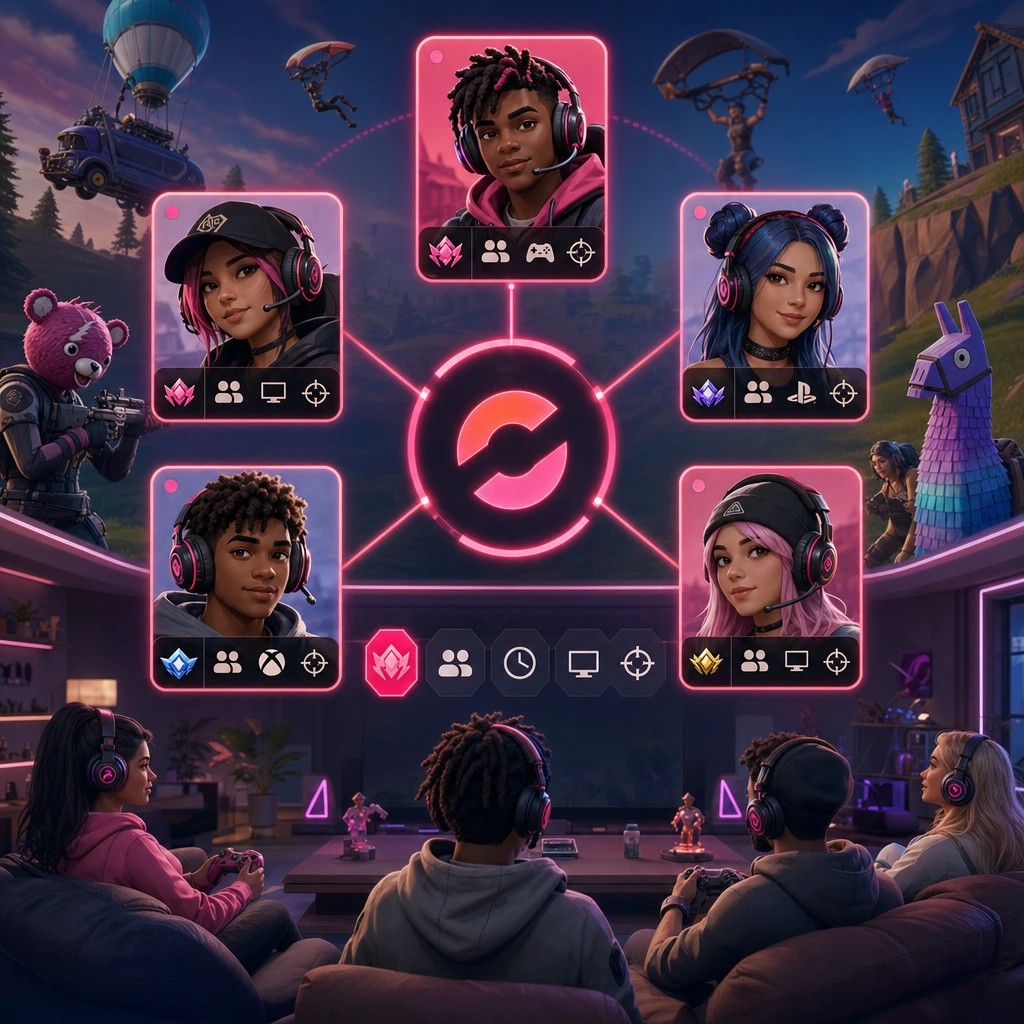
For players who care about fit, COYA is a strong option. It matches by games, platforms, rank, age, and playstyle, then puts players in a live room so they can start playing together. That is useful when you want to skip endless browsing and connect with gamers who play like you.
This approach works well for duos, squads, casual sessions, ranked grinds, and players who want a teammate search that feels more personal. If the slogan “Find Teammates Who Actually Fit Your Playstyle” sounds like the problem you are trying to solve, COYA fits that lane naturally.
Conclusion: Find players. Join games. Play together.
To in 2026, do not rely on luck alone. Use Discord when you need fast discovery, Reddit when you want detailed posts, stat tools when performance matters, LFG platforms when filters help, and compatibility-based apps when you care about playstyle and vibe.
The right teammate is not just the highest-ranked person who accepts your invite. It is the player who matches your mode, region, schedule, comms, age comfort, and goals. That fit makes ranked less stressful, casual games more fun, and long-term squads more realistic.
Be clear in your profile. Start with test games. Protect your account. Use simple comms. Keep the squad healthy. When a match does not click, move on respectfully. When it does click, build the routine. Your next duo, trio, or full squad may be one good match away.
Your next squad is waiting Join COYA and start playing together